

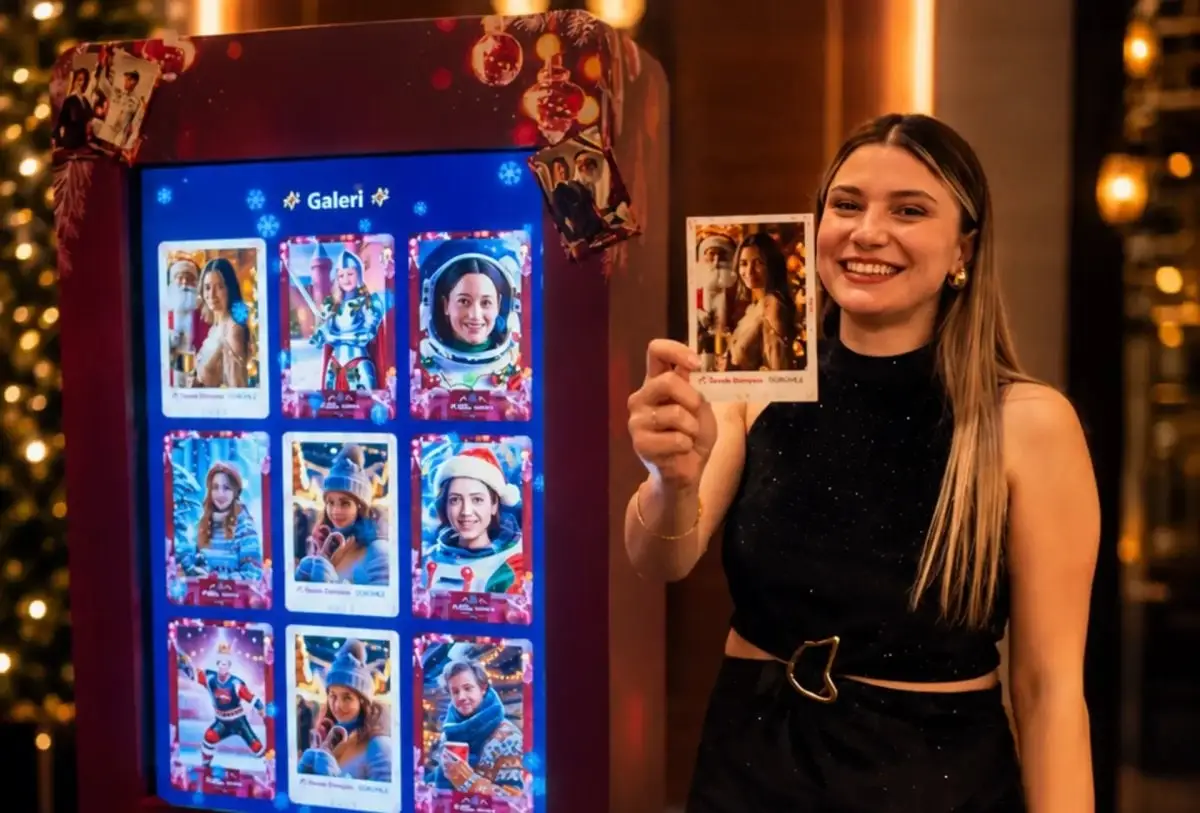
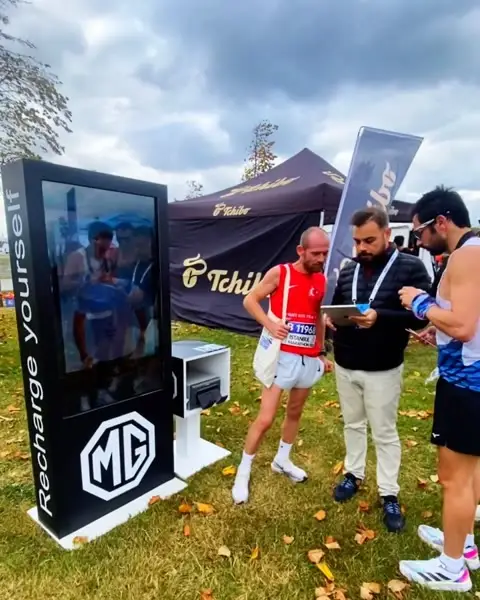
Photo booth, video and AI experiences. On your own kiosks.
Build them in Studio, publish, and run them on an iPad, a phone or a browser; guests get their result on their phone by QR.
- iPad
- iPhone
- Android
- Browser on PC or Mac
























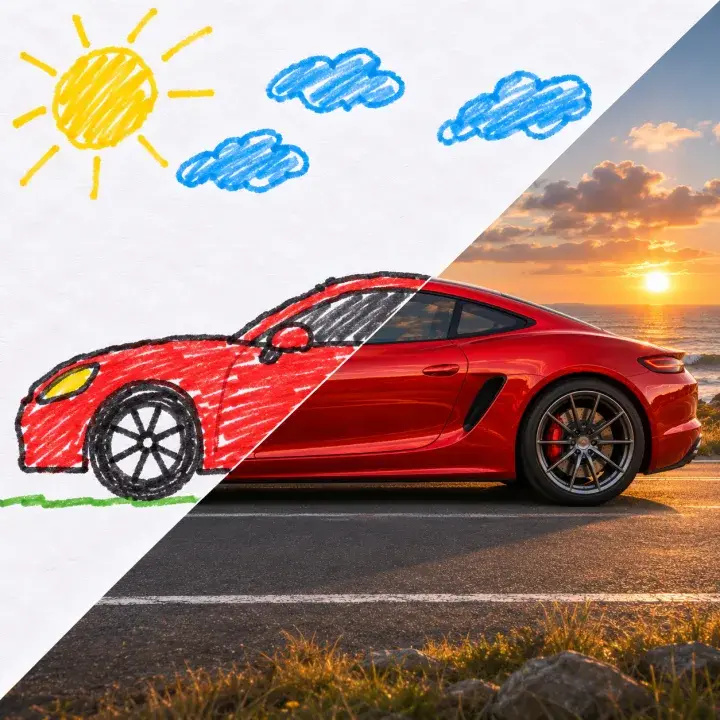
See it at a real event. AI Sketch to Image, lenticular cards and a GIF booth.
Clips from MetasoftCo activations, filmed on site.
AI, photo and video experiences. All twelve in one app.
-
AI
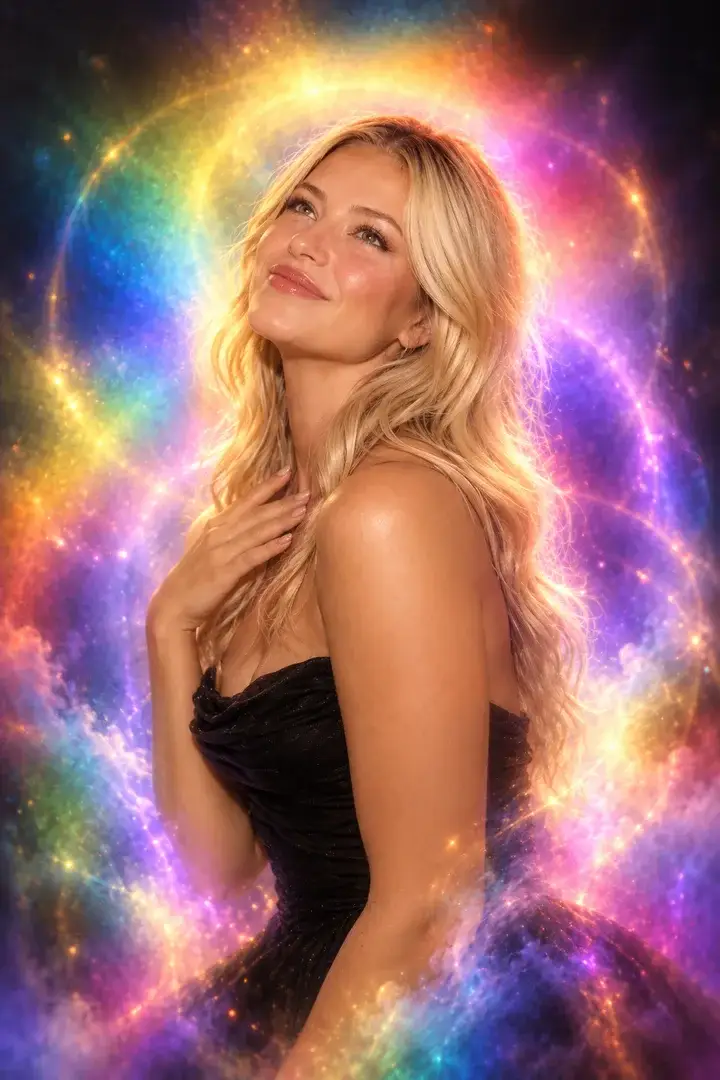
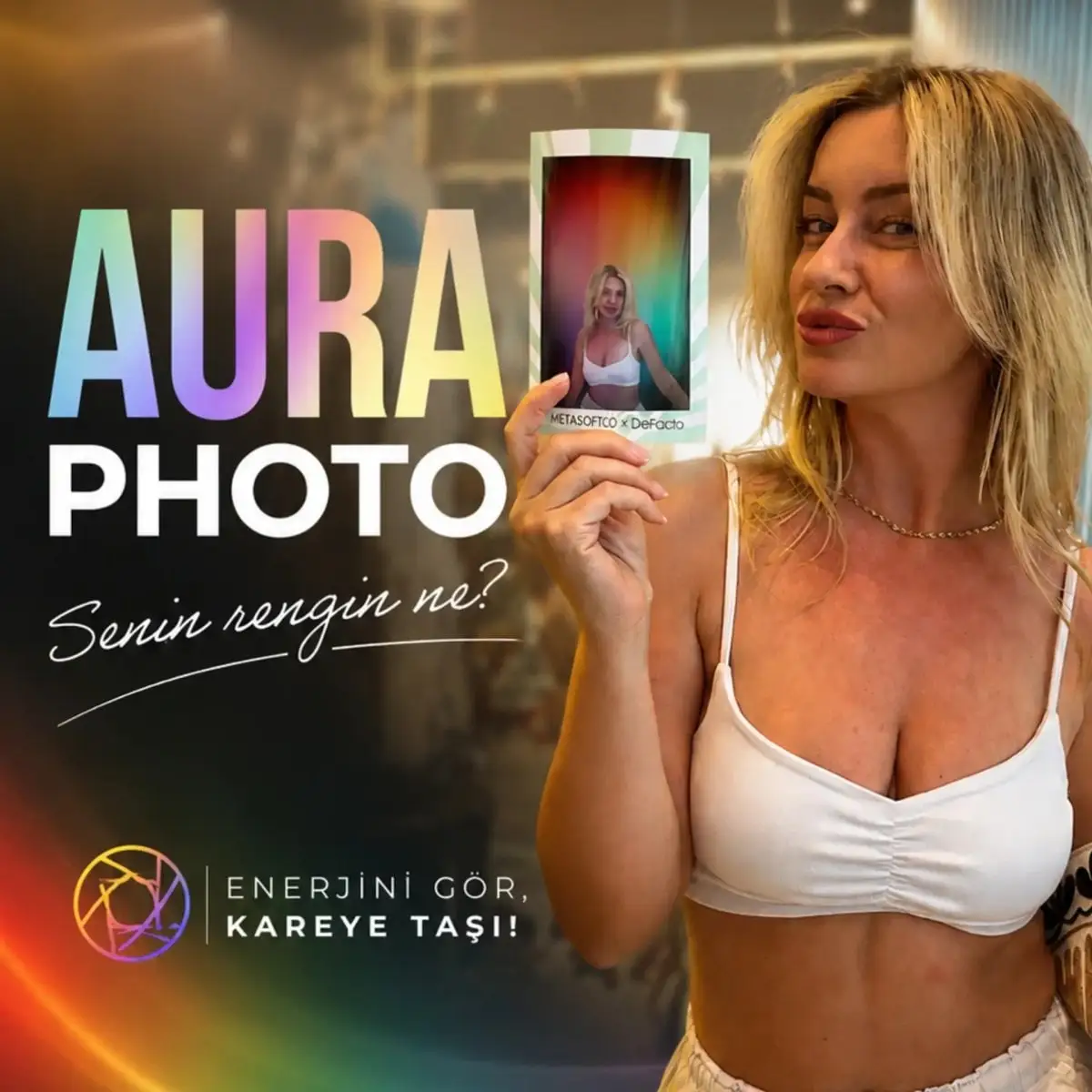
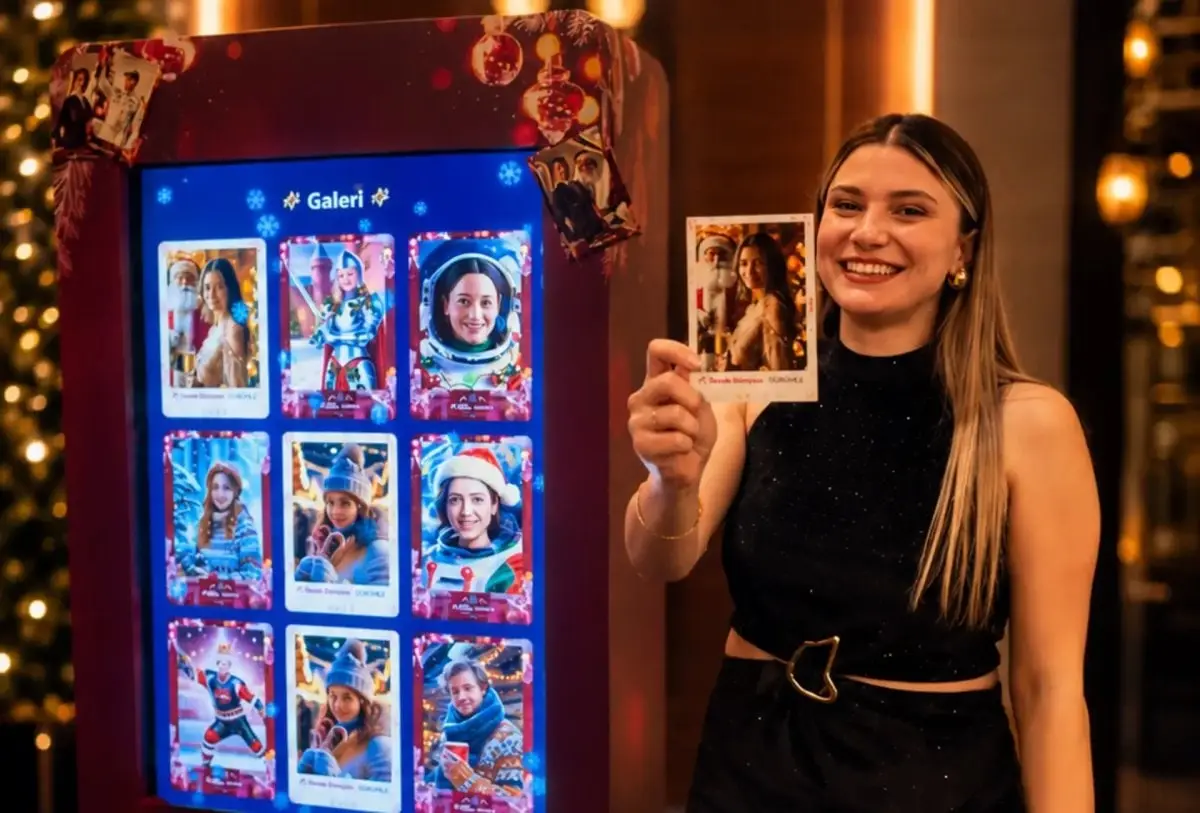
Guests become a character, step into a scene, turn a sketch into an image, or get an aura portrait or a portrait drawn from words. Each successful result uses AI credits.
AI photo booth overview → -
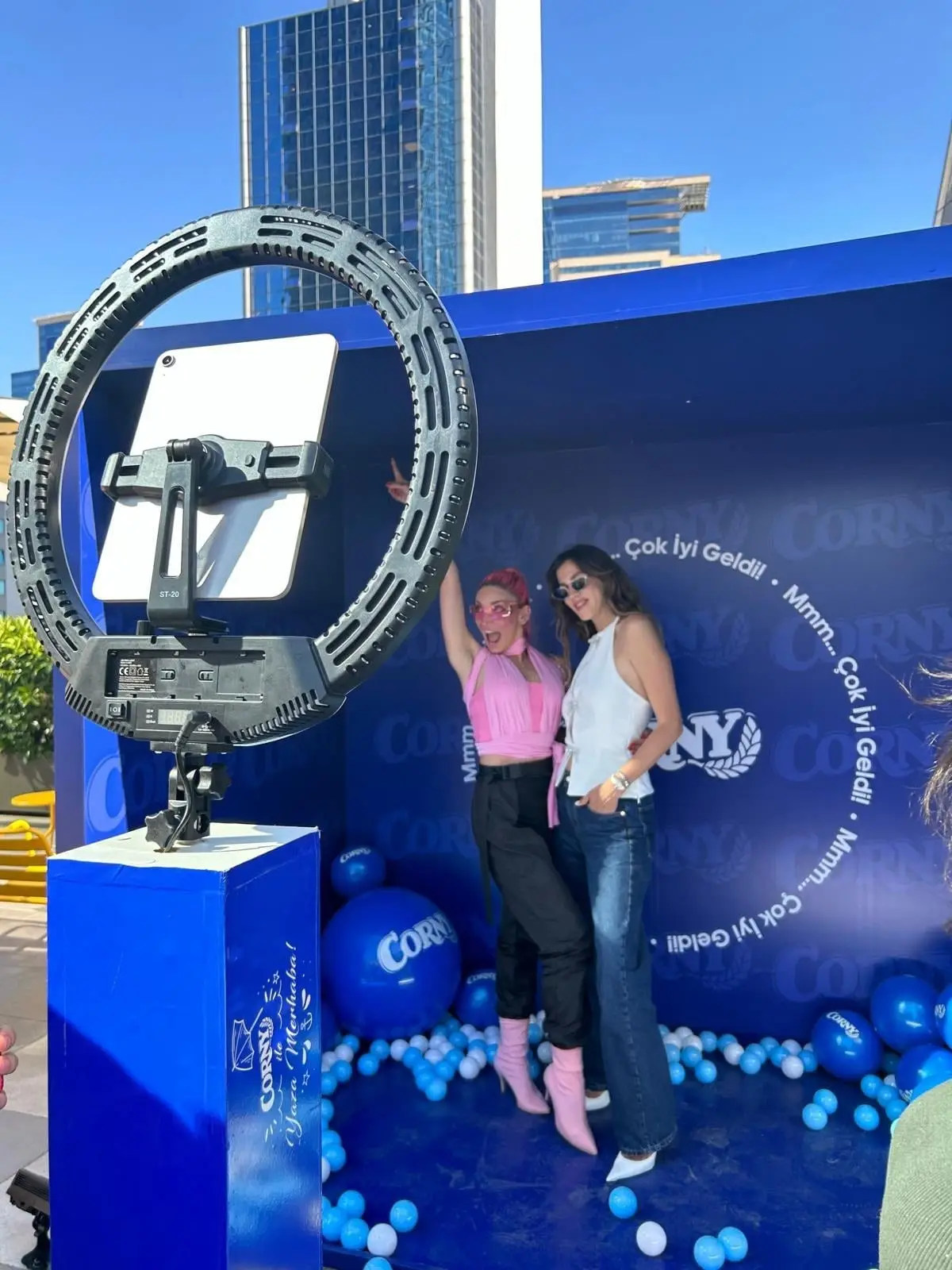
Photo and print
Branded 4×6 prints, a brand wall built from guest photos, and prints that change as you tilt them.
-
Video and GIF
Looping GIFs, short clips that play forwards and back, and fixed-length video.
One event or every month. All twelve experiences in every plan.
- Free demo
- $0
- Event Pass, 72 hours
- $24.99
- Studio, per month
- $49.99
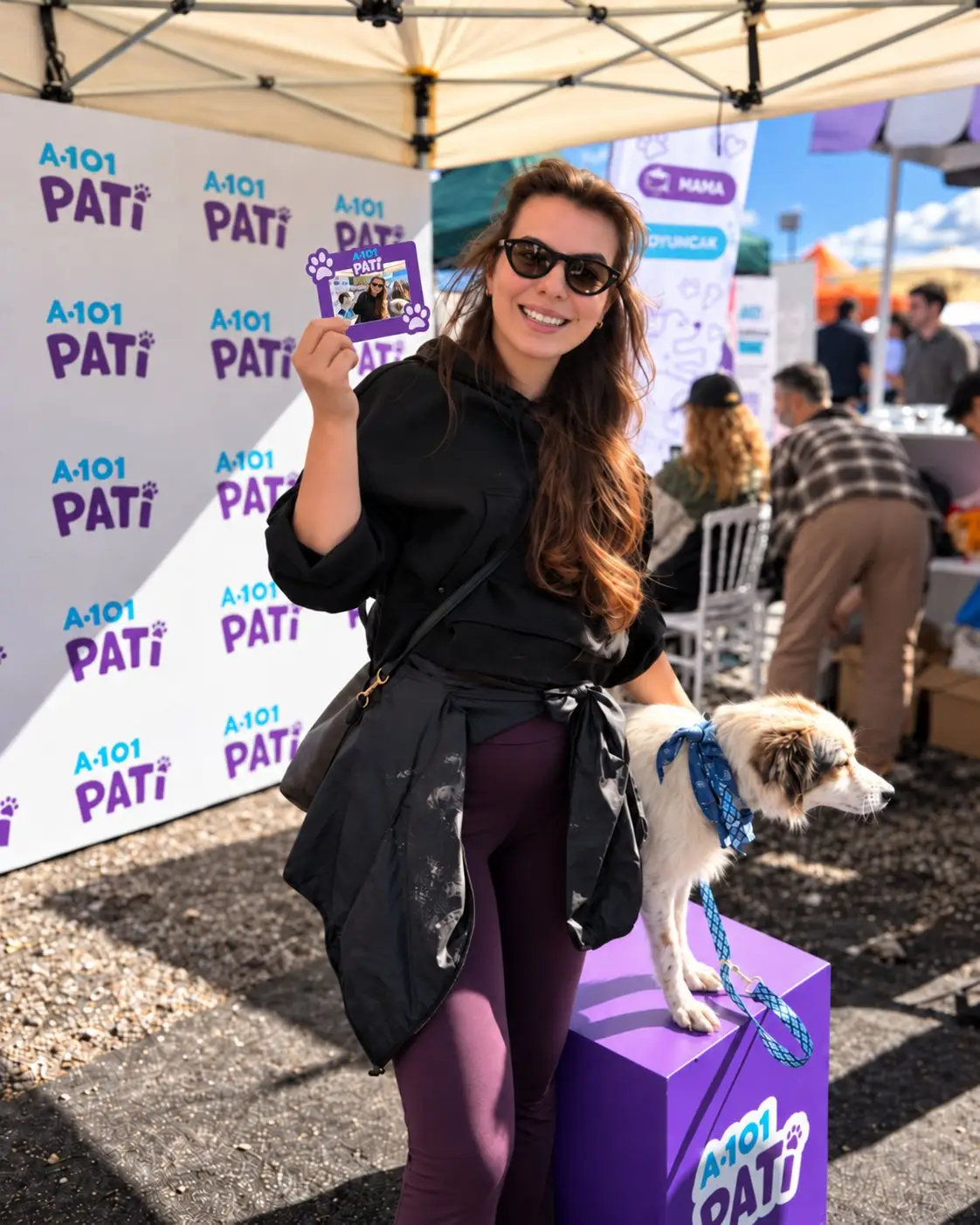
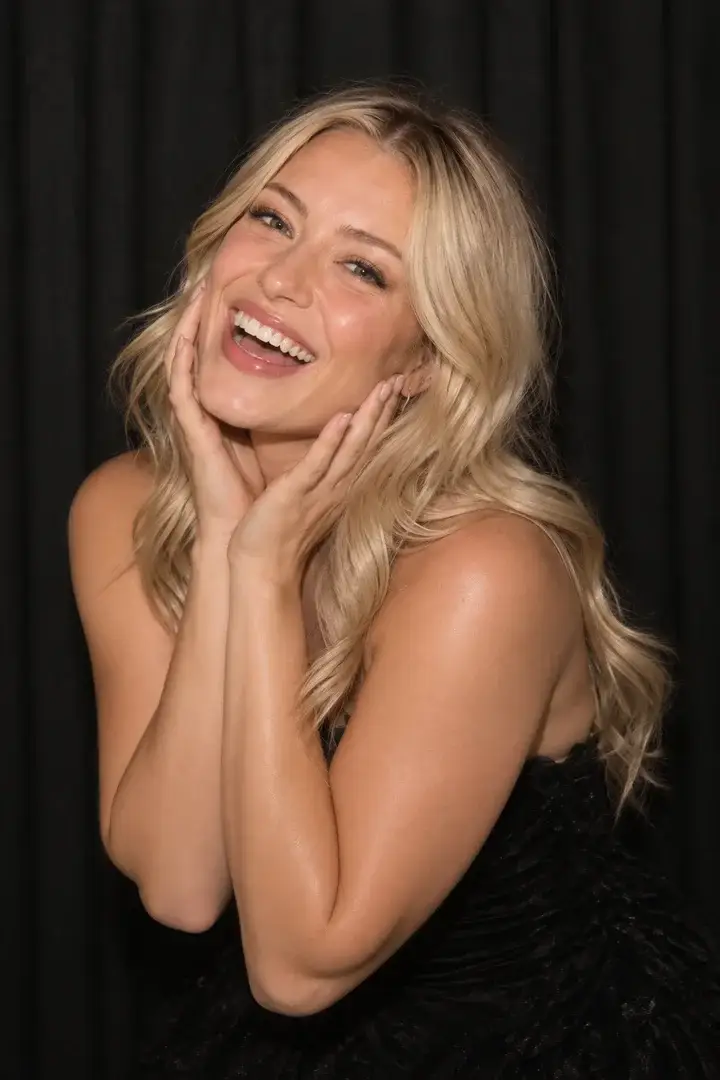
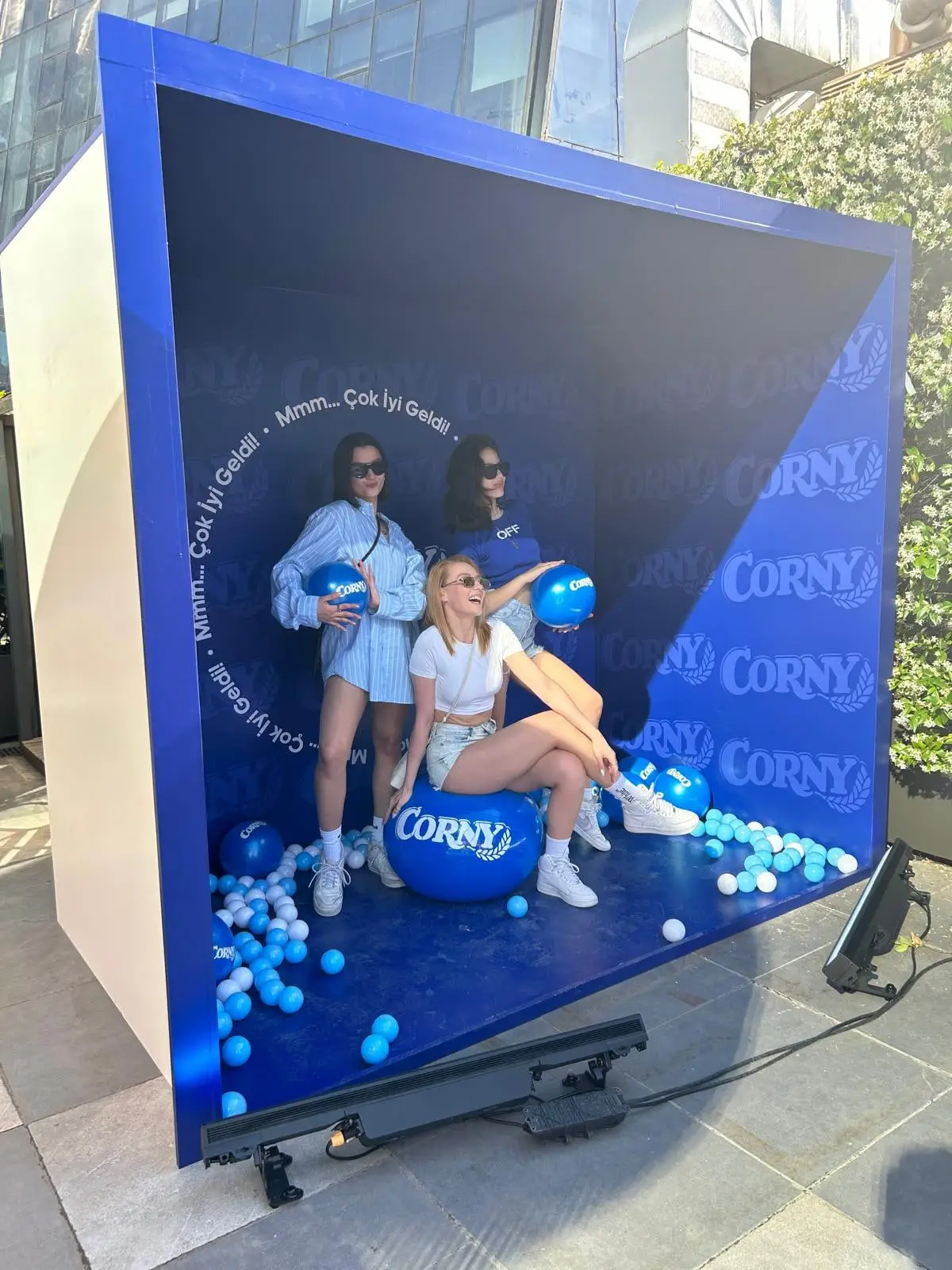
What it looks like on site. Clips and photos from MetasoftCo events.
-
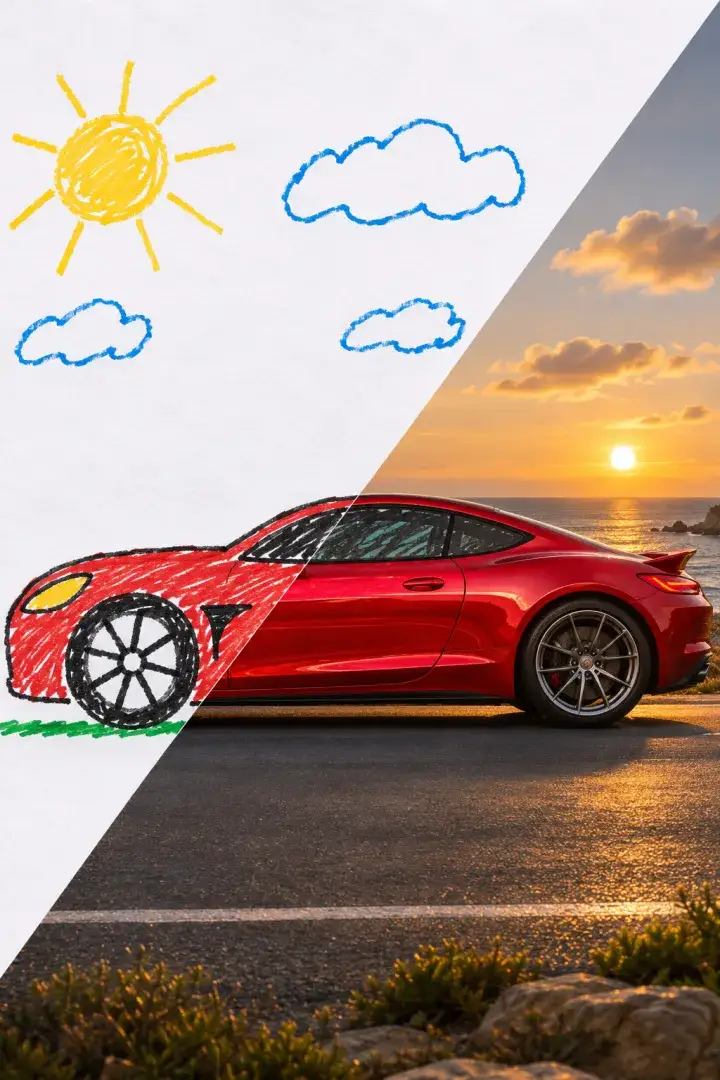
AI Sketch to Image · From a MetasoftCo event · Vodafone -
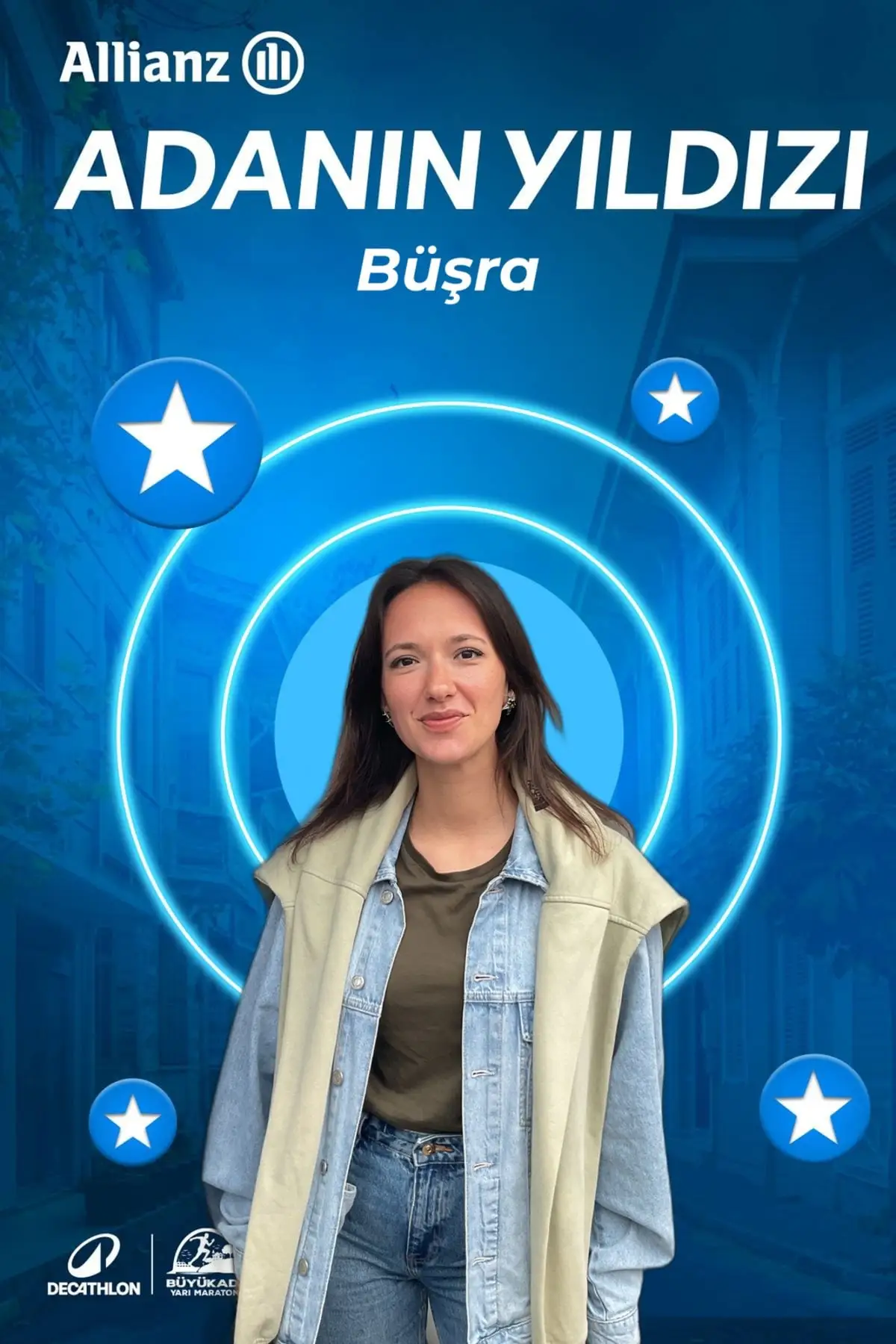
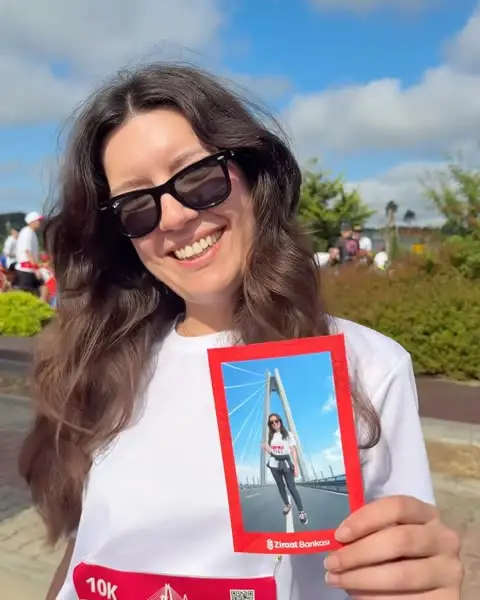
AI Greenbox · From a MetasoftCo event · Adidas -
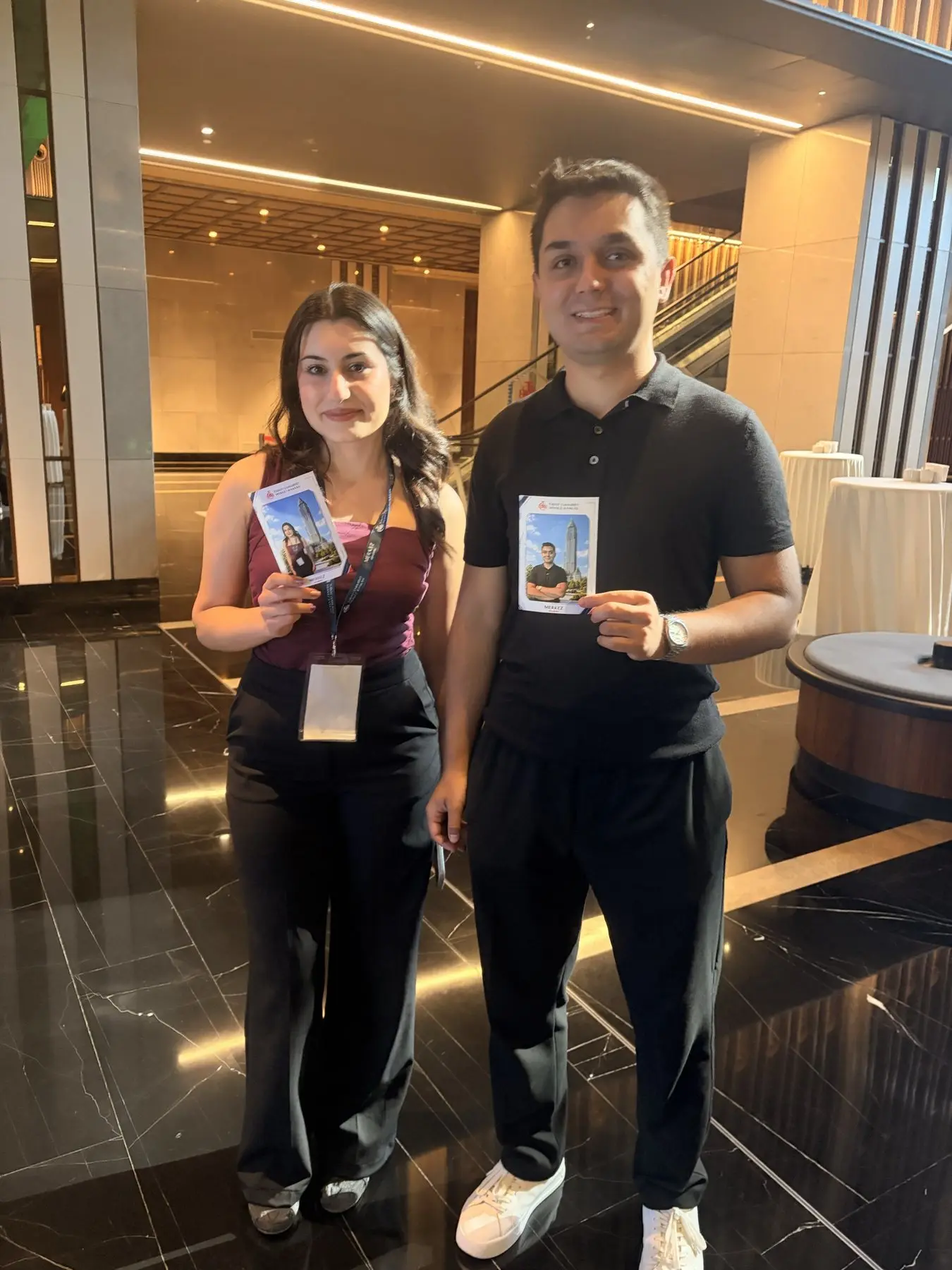
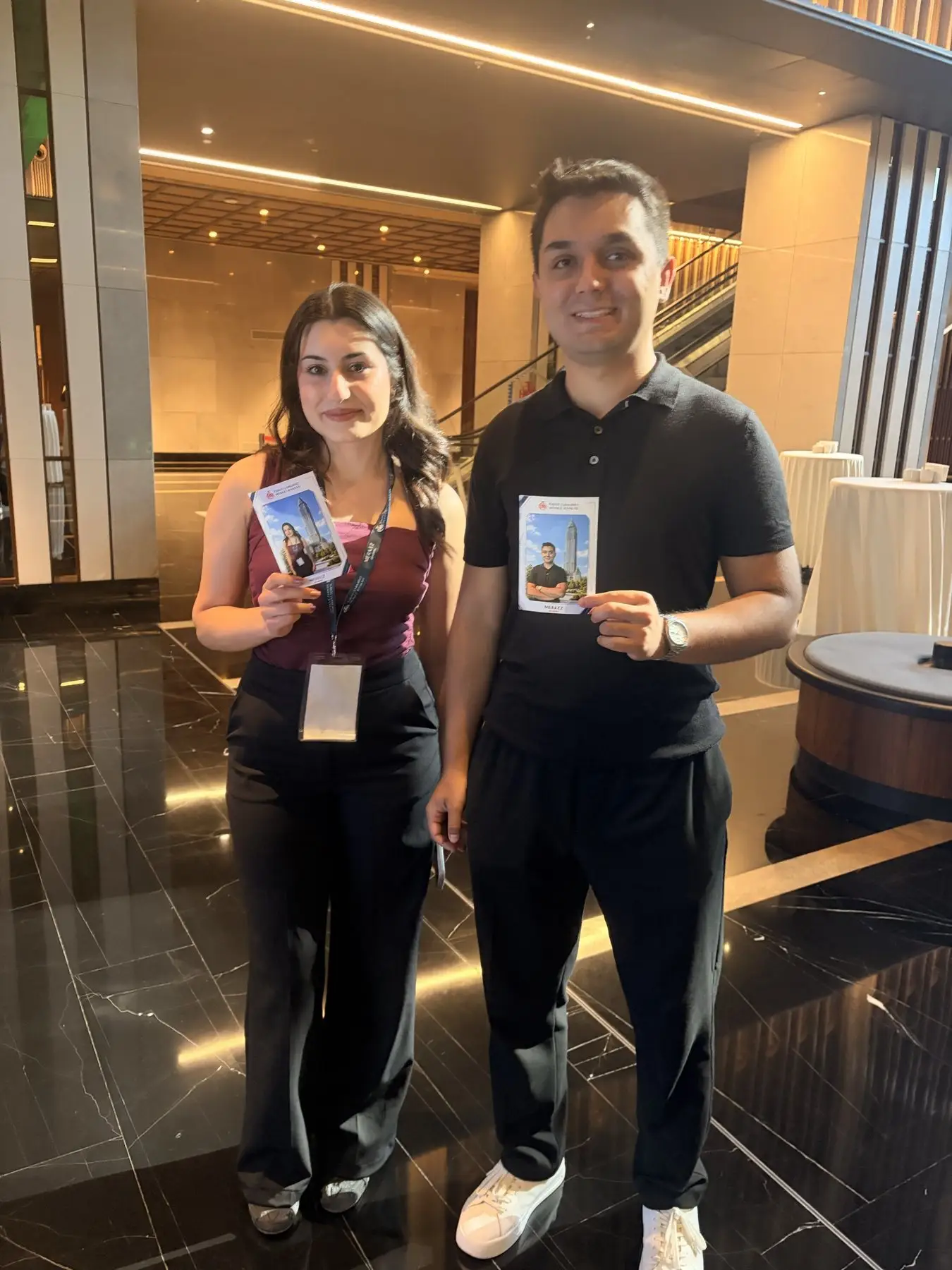
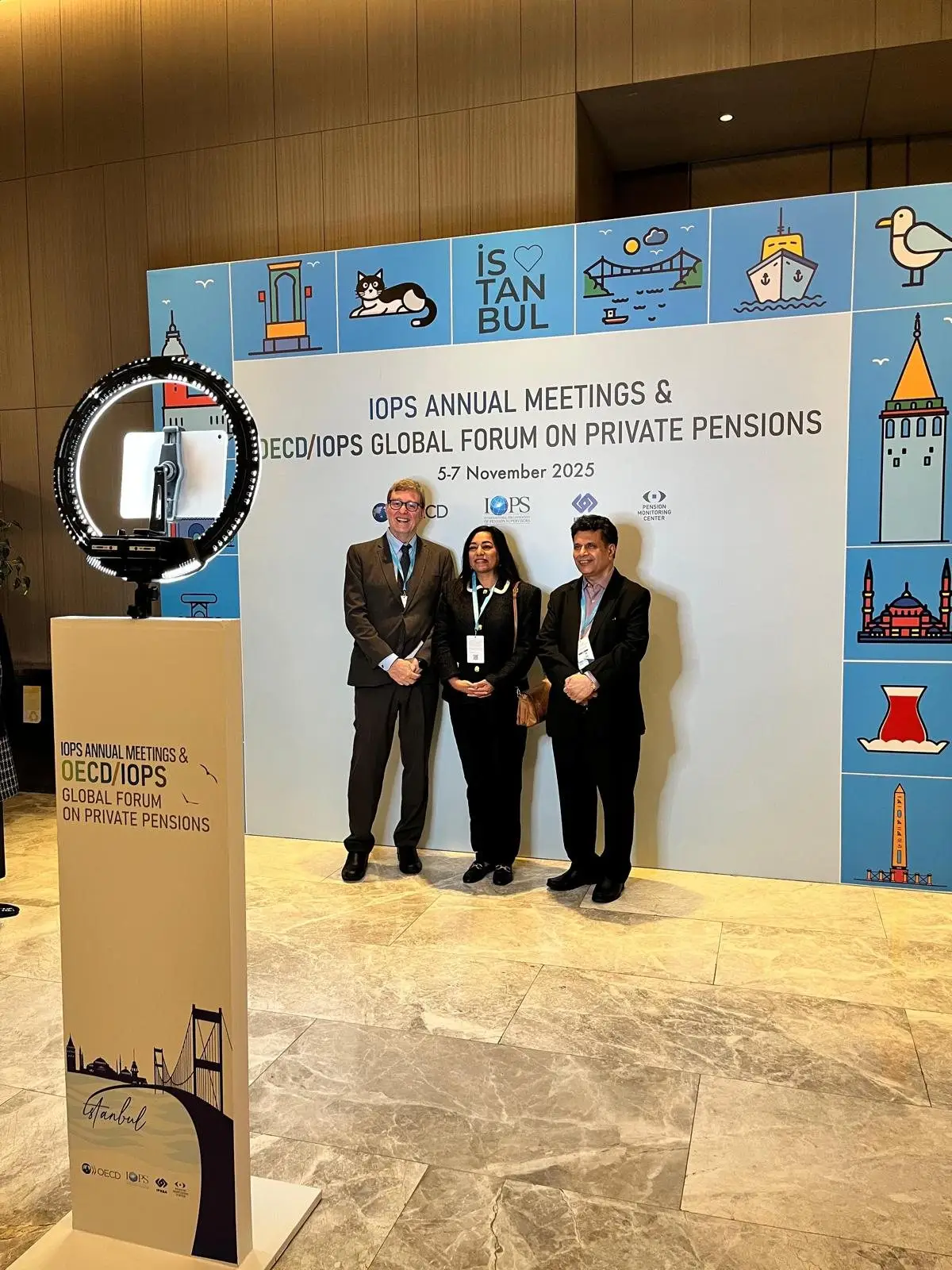
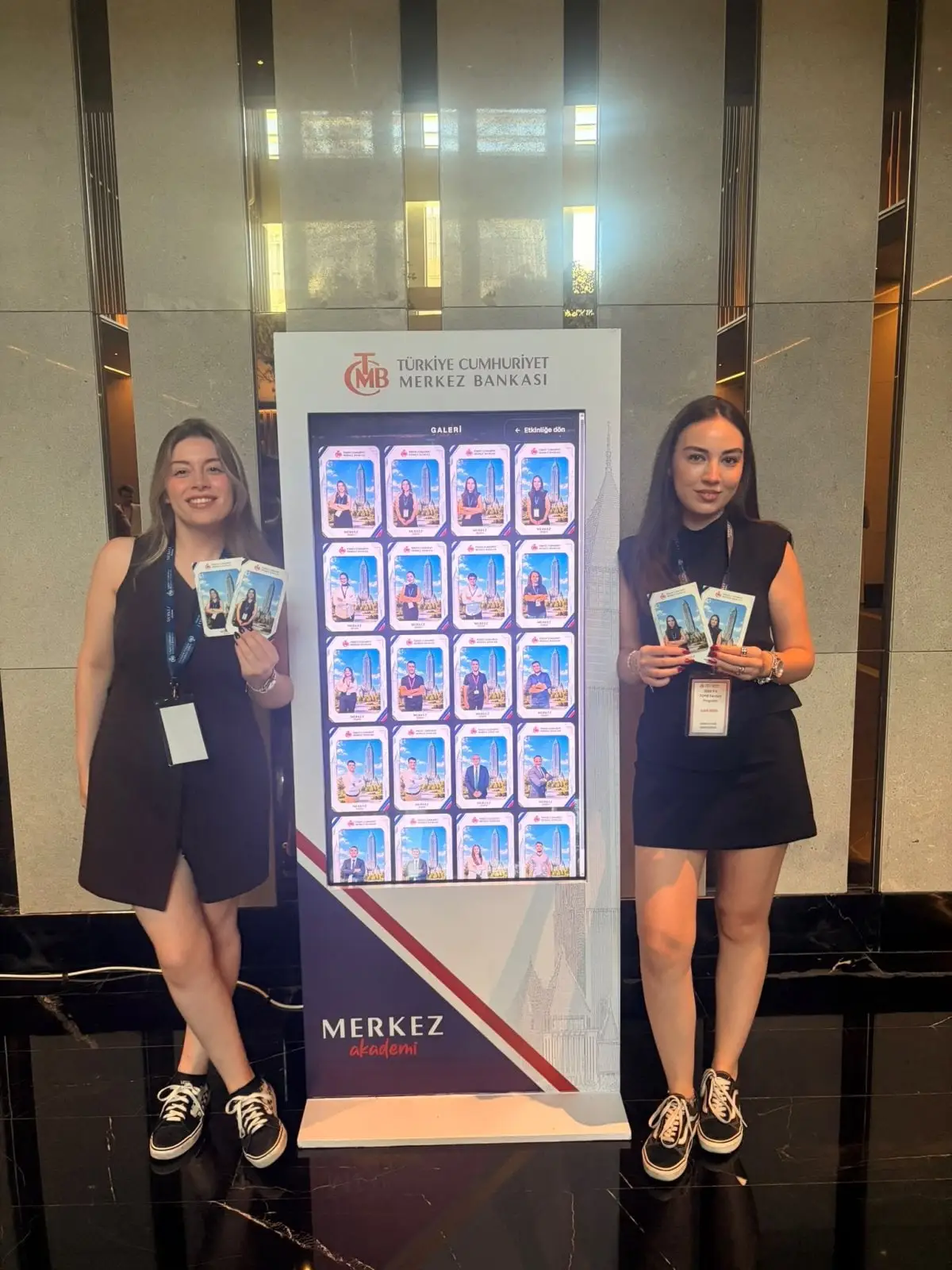
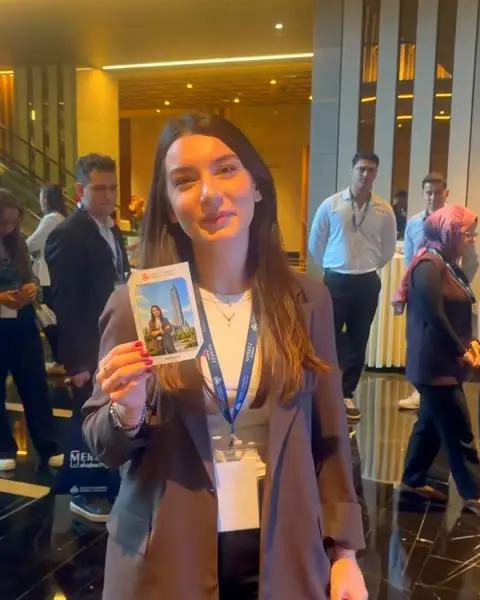
AI Greenbox · From a MetasoftCo event · TCMB -
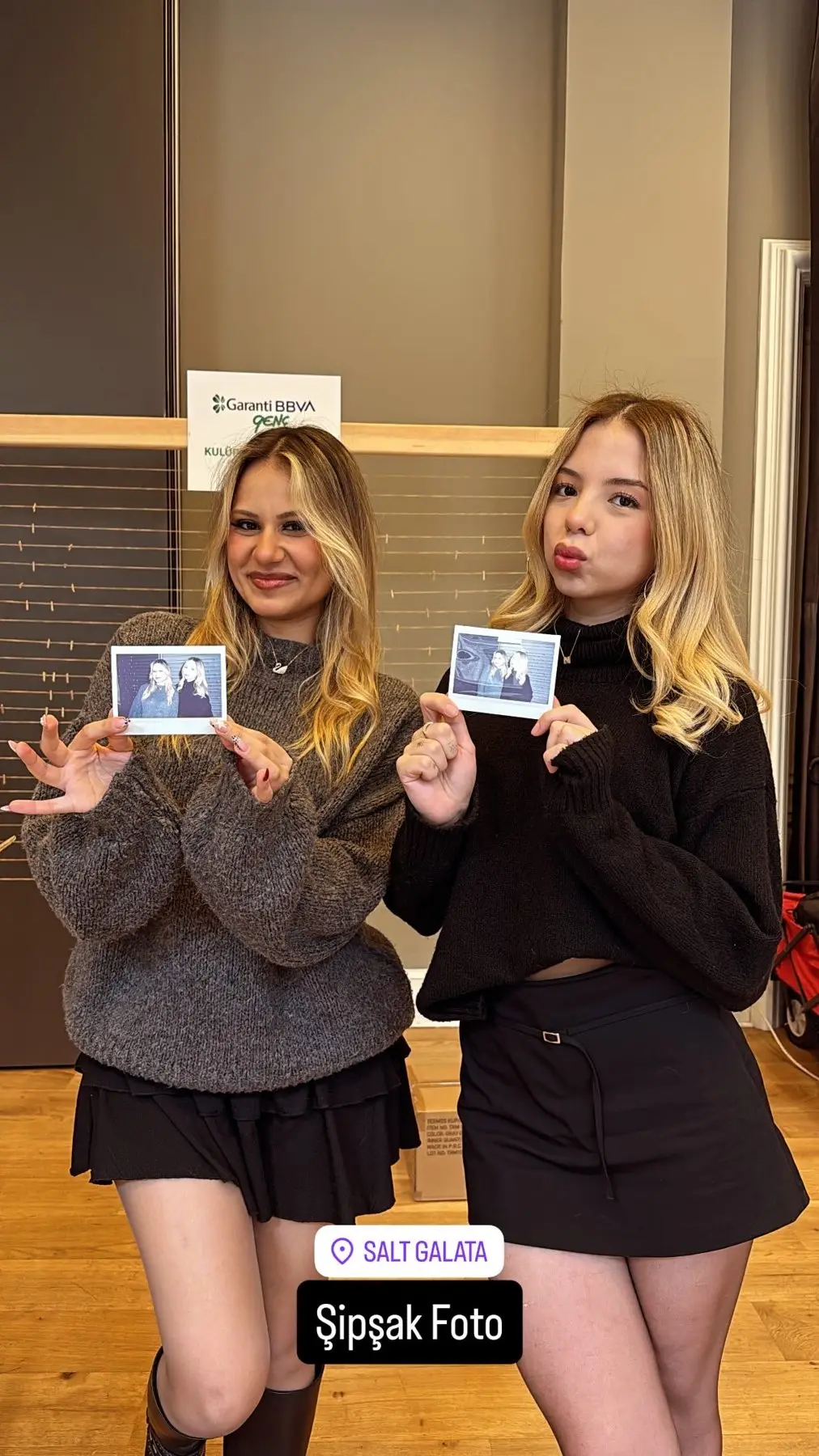
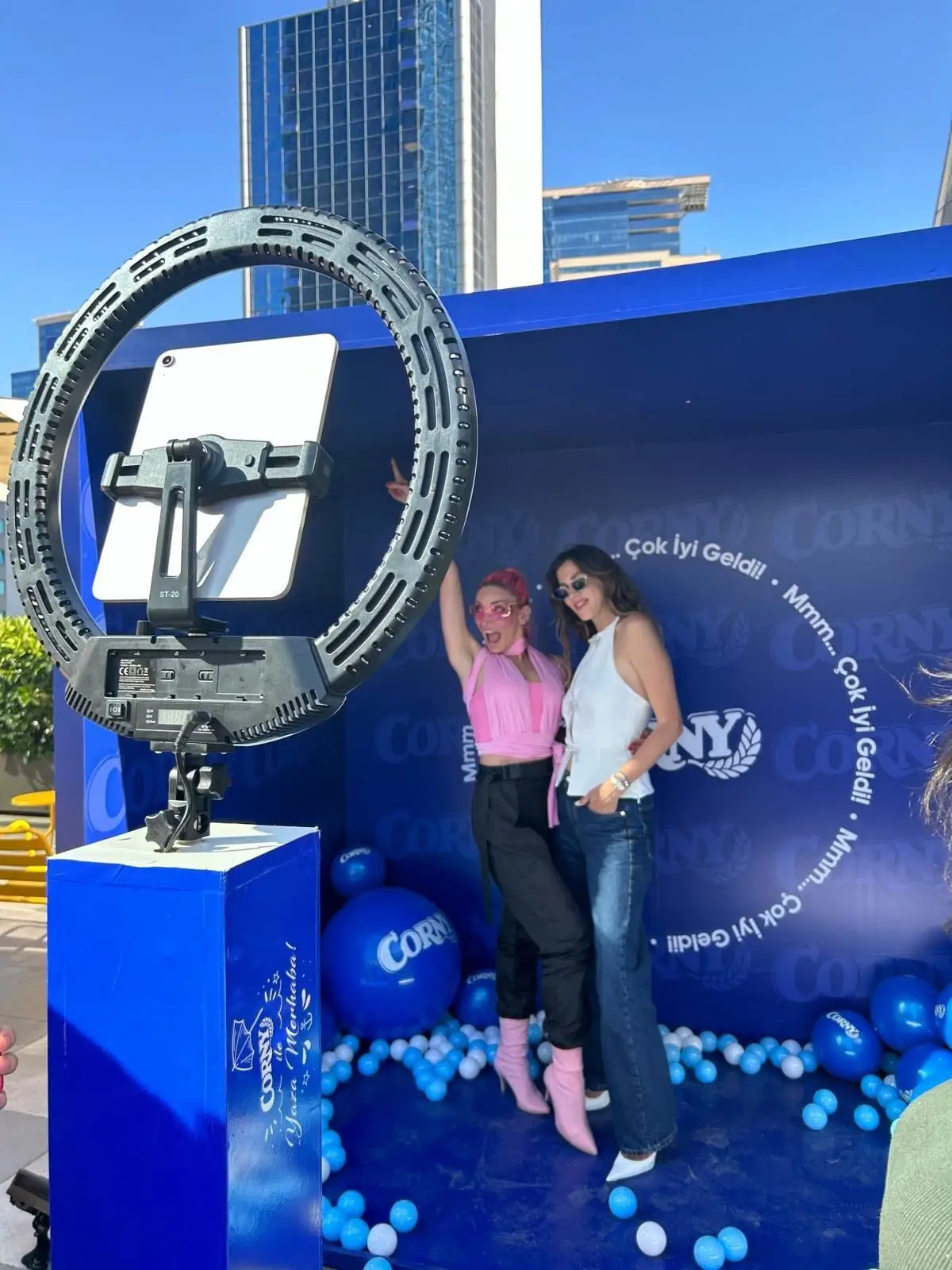
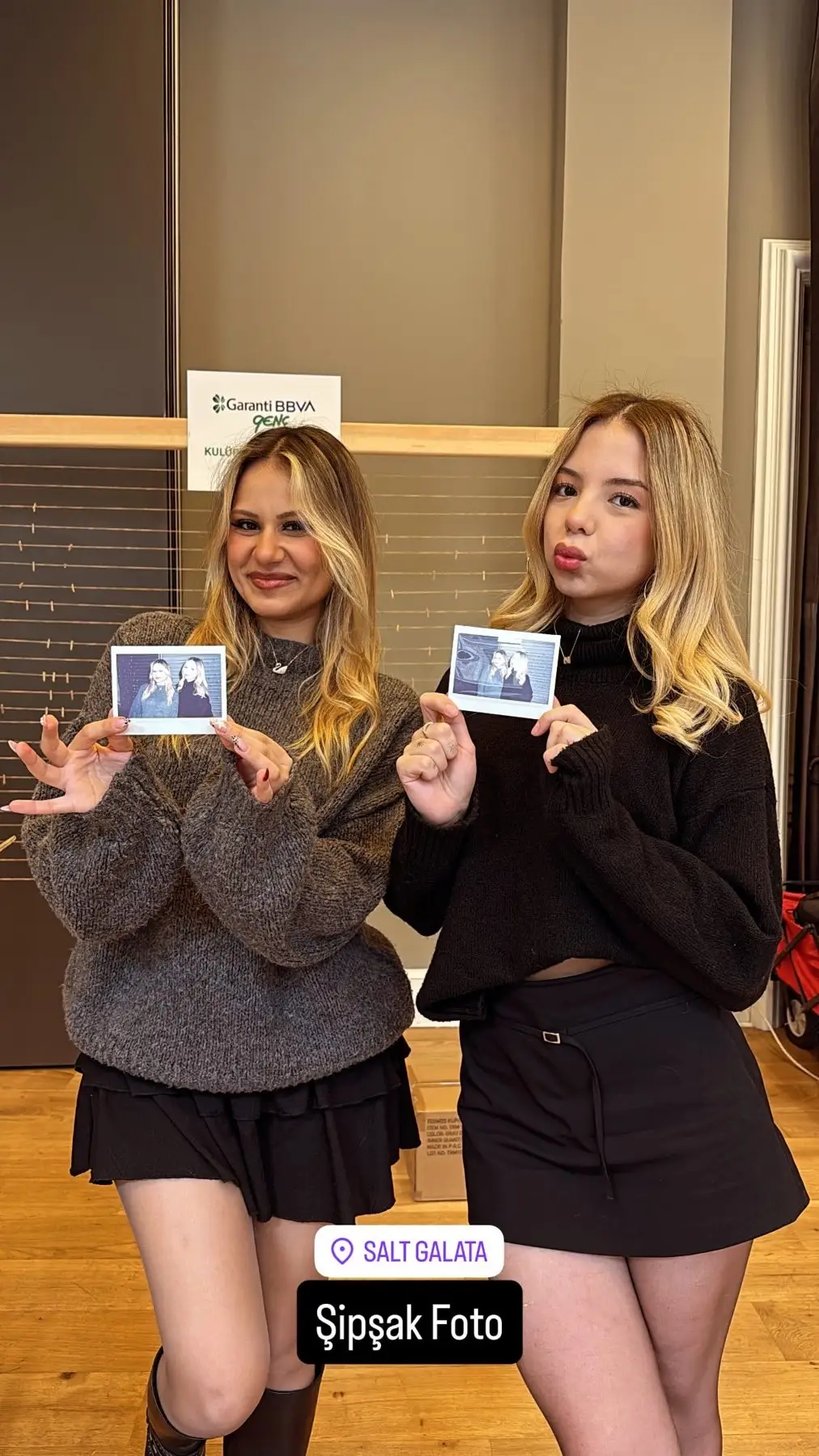
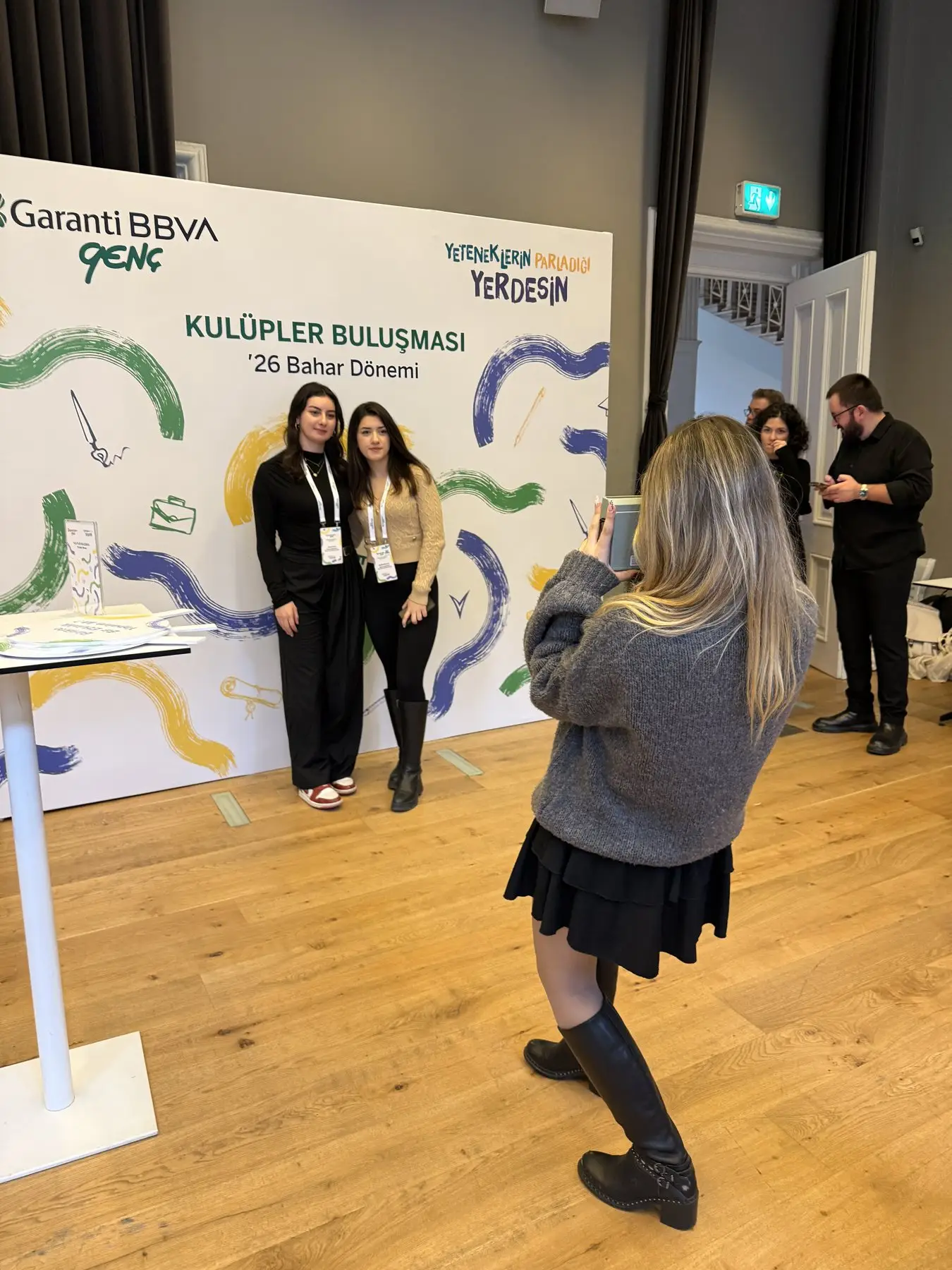
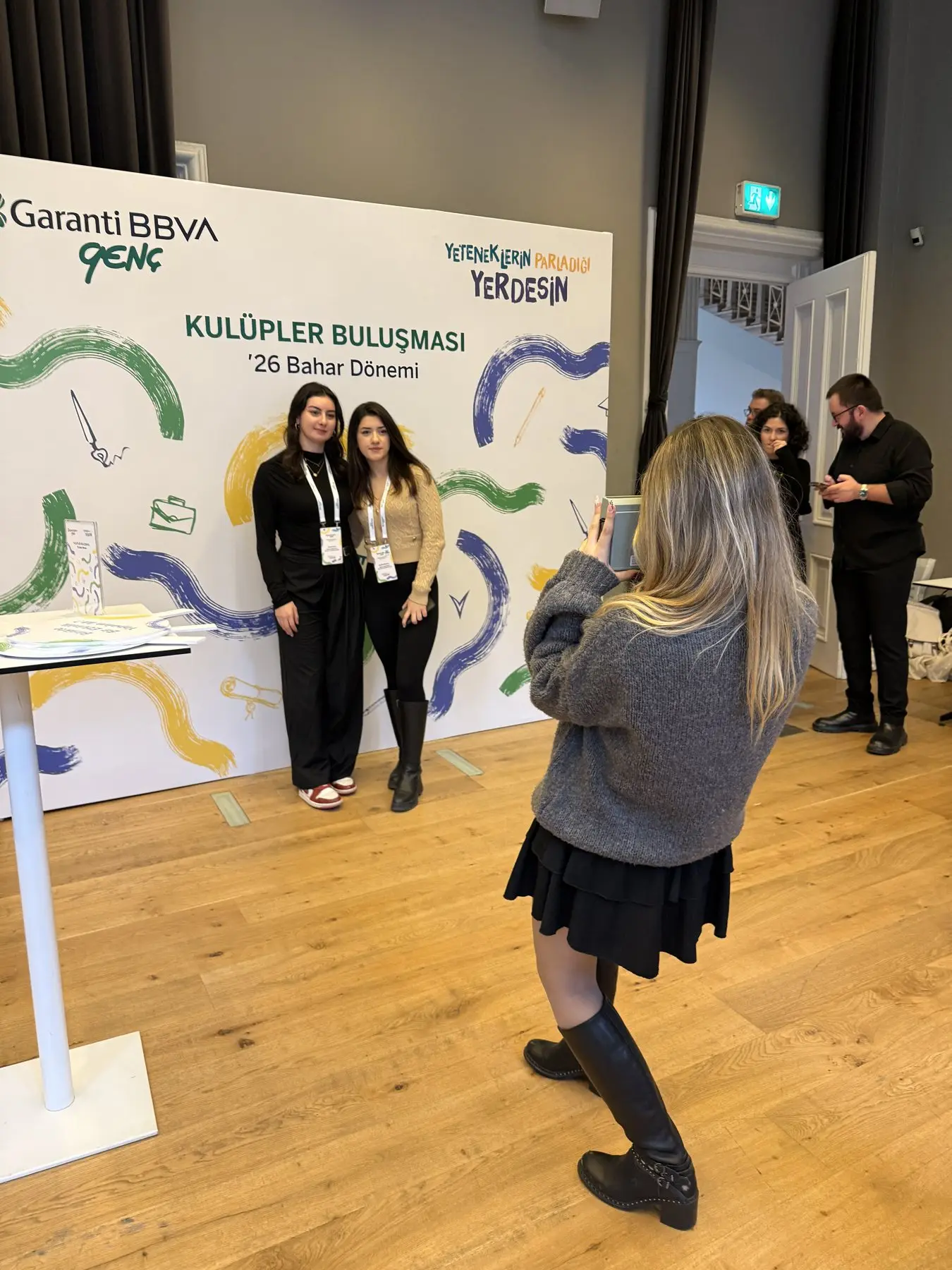
Photobooth · From a MetasoftCo event · Garanti BBVA -
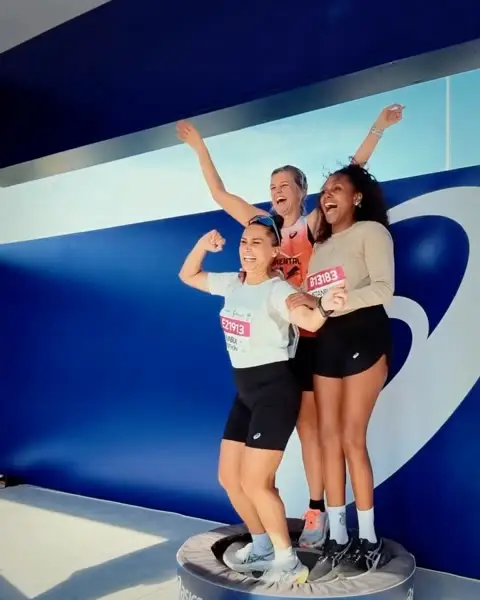
GIF / Boomerang · From a MetasoftCo event · ASICS -
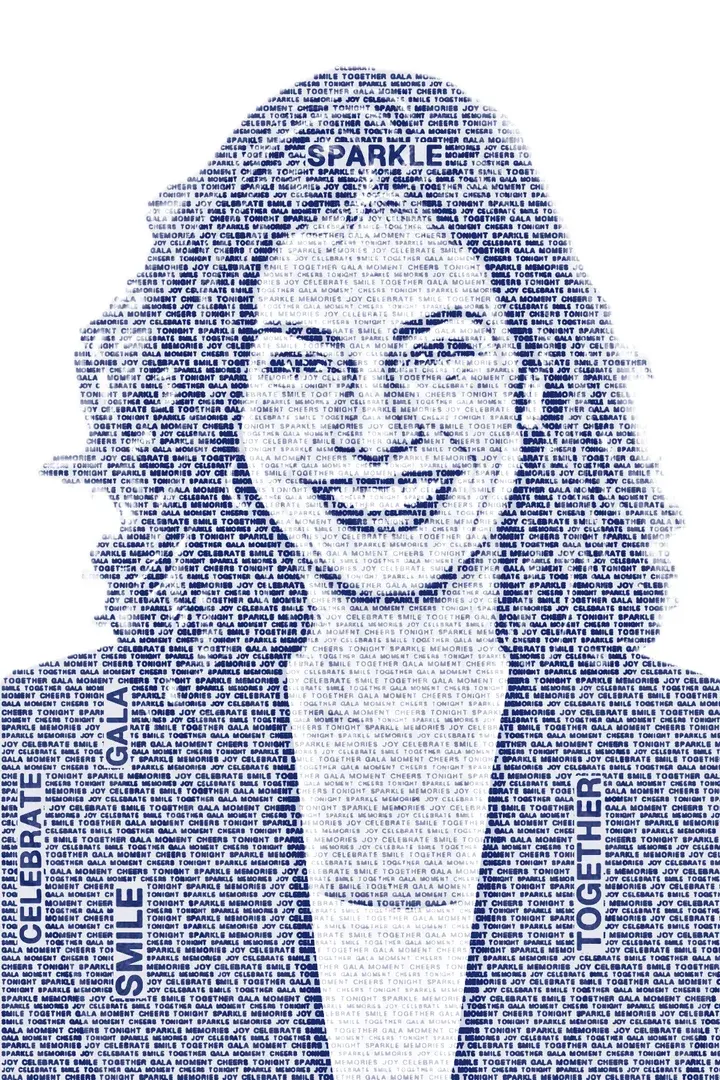
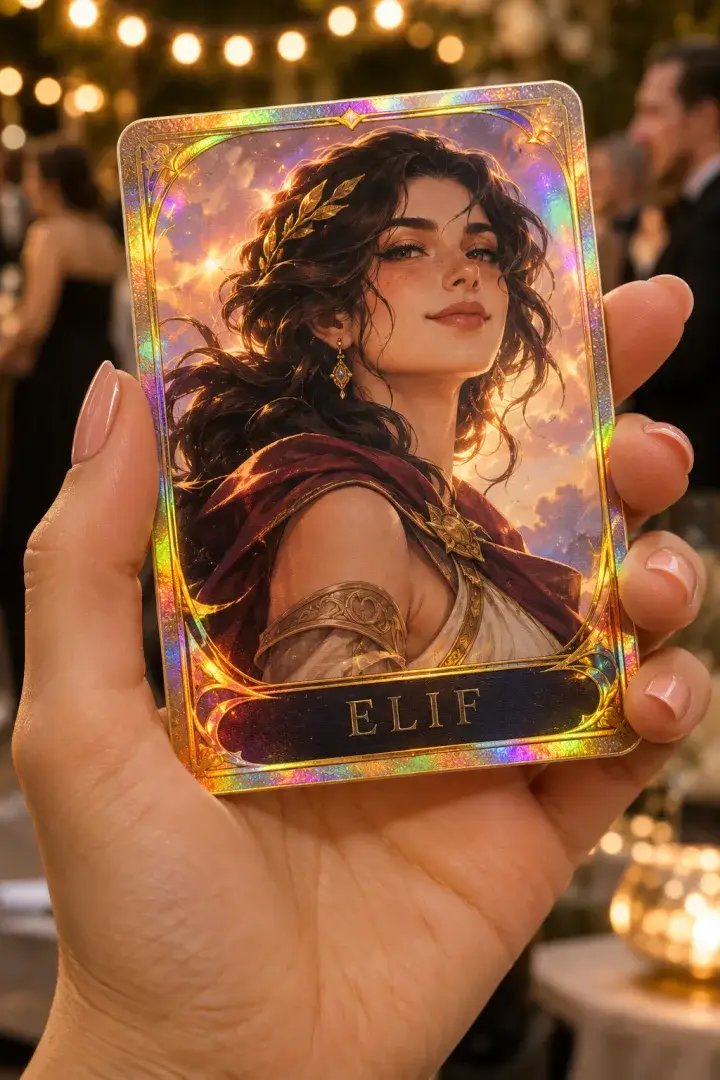
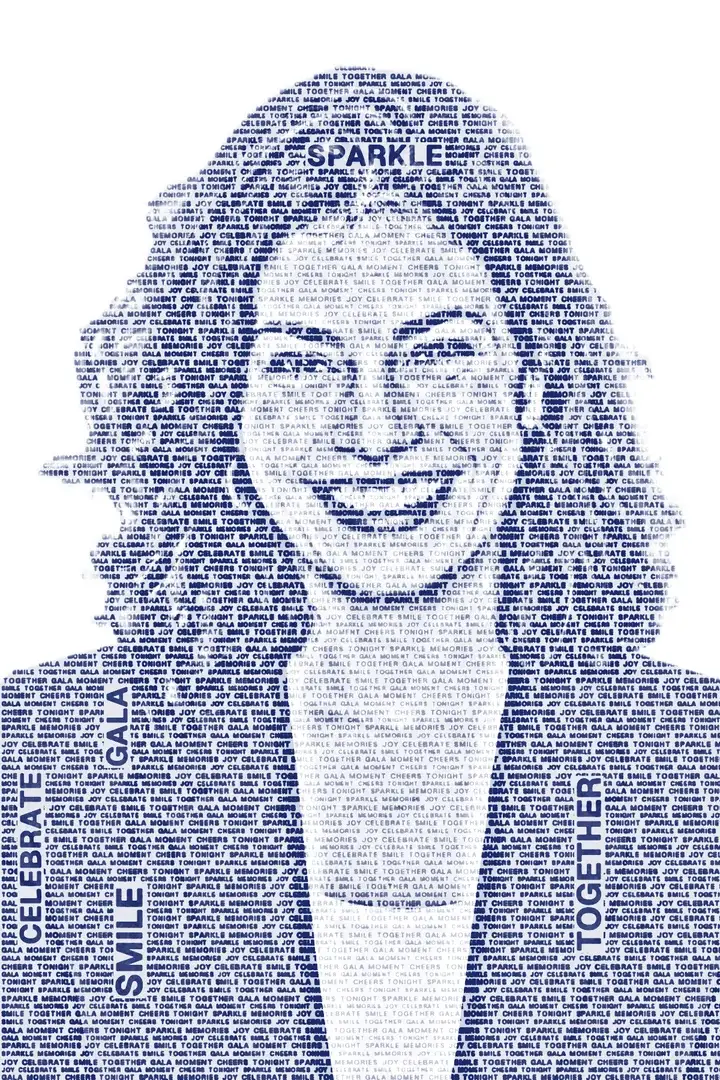
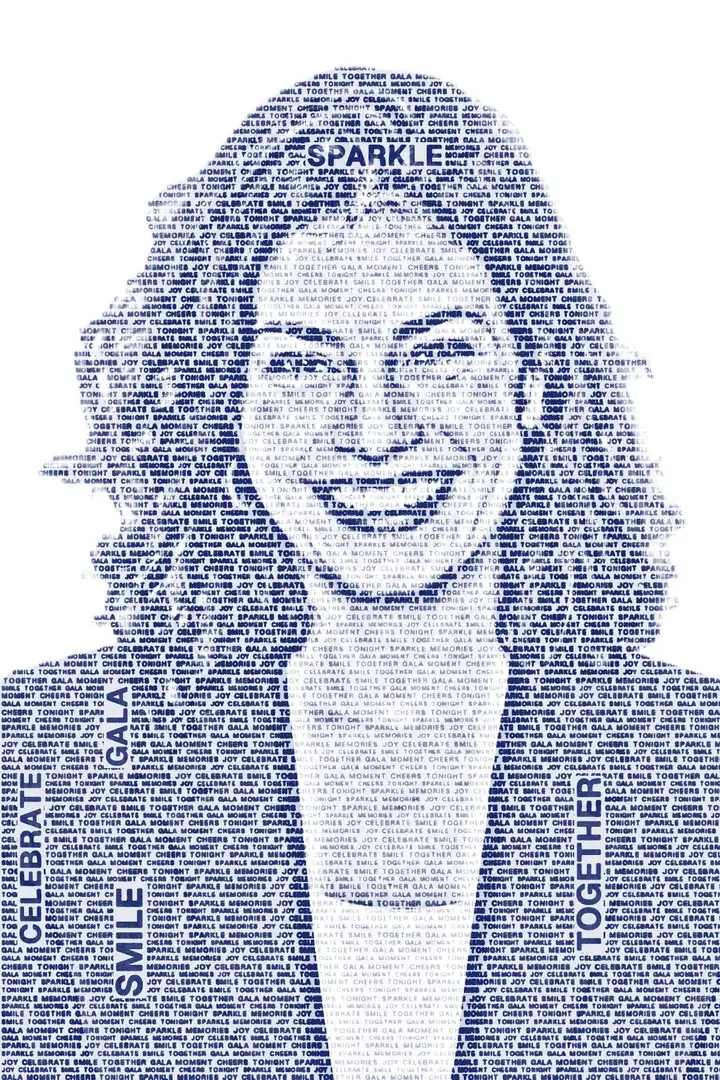
Wordportre sample output -
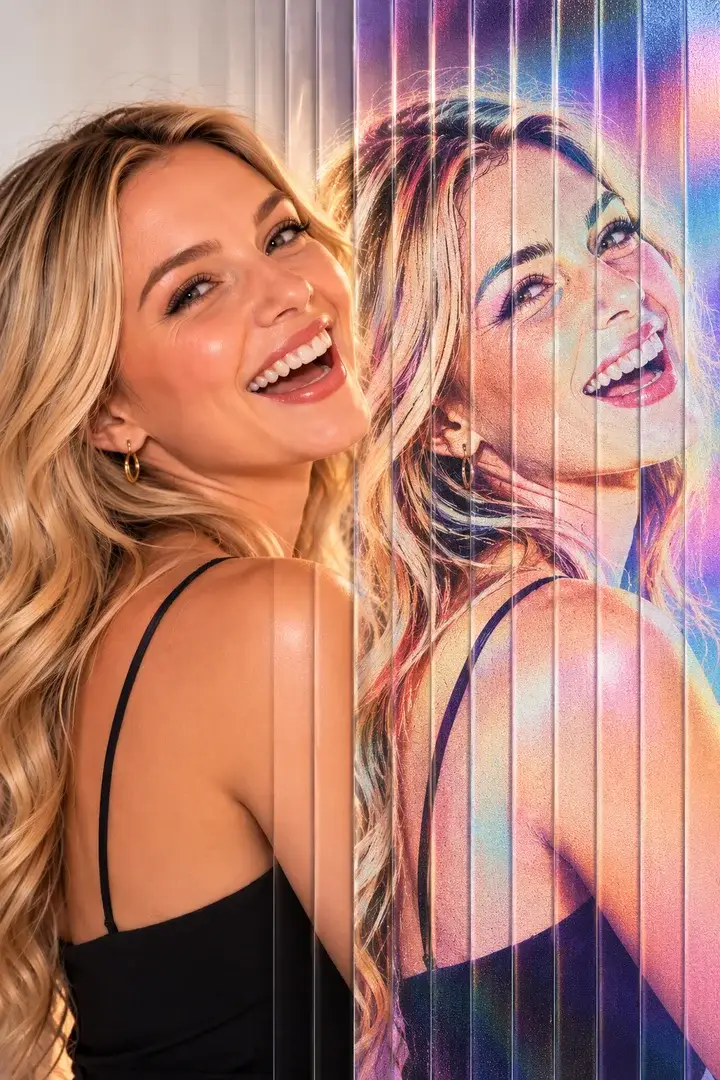
Lenticular Flip · From a MetasoftCo event -
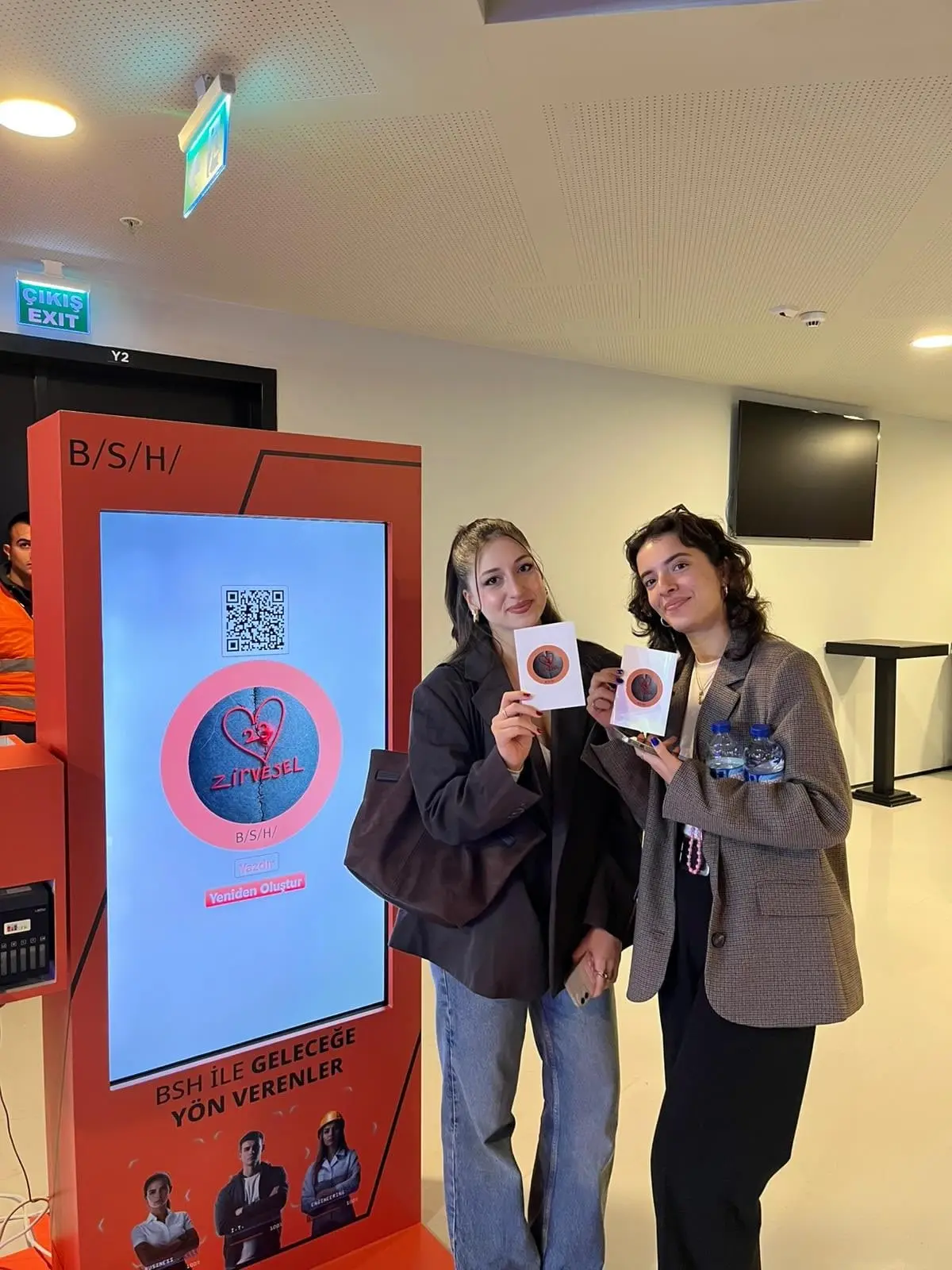
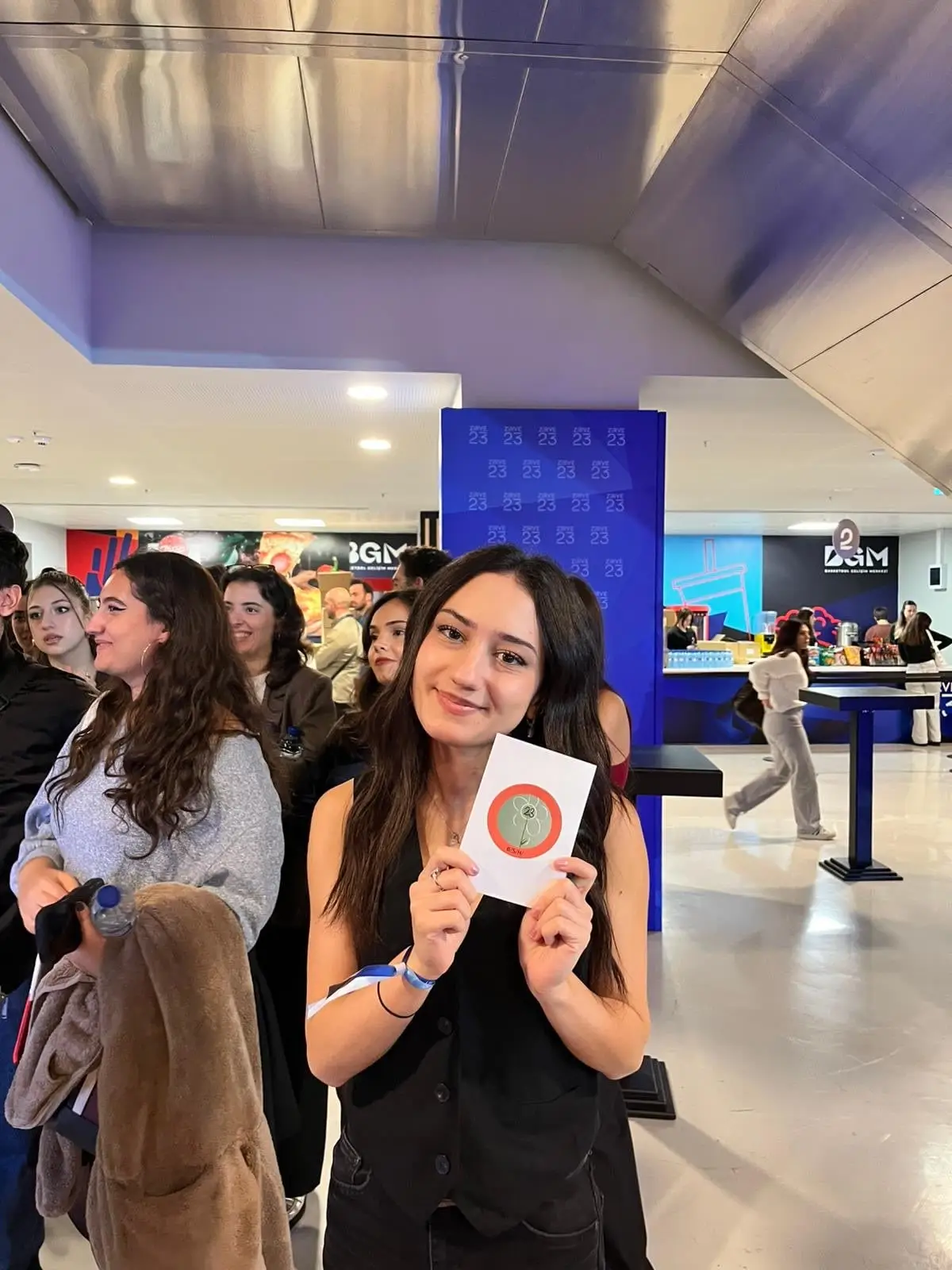
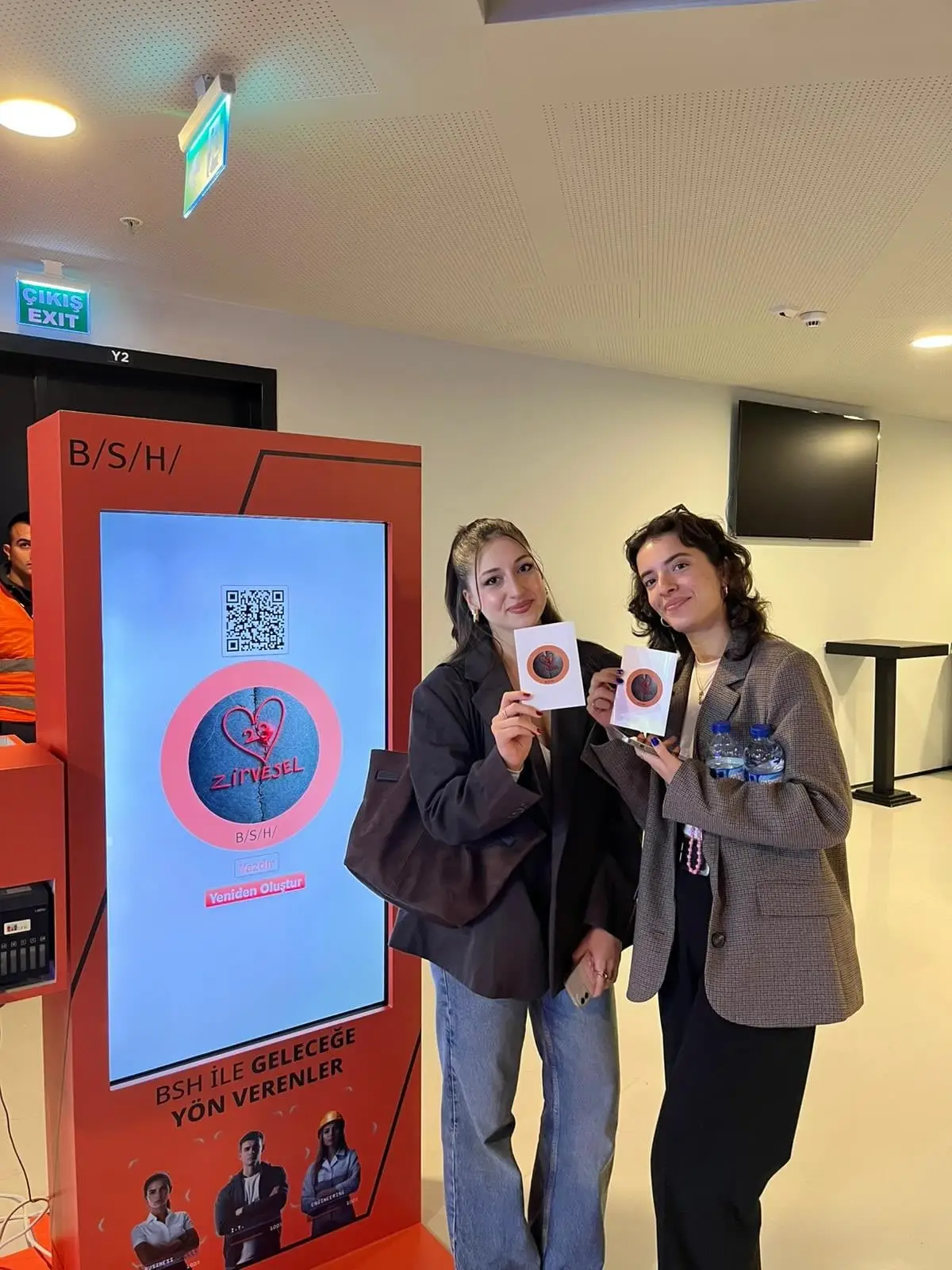
AI Sketch to Image · From a MetasoftCo event · BSH -
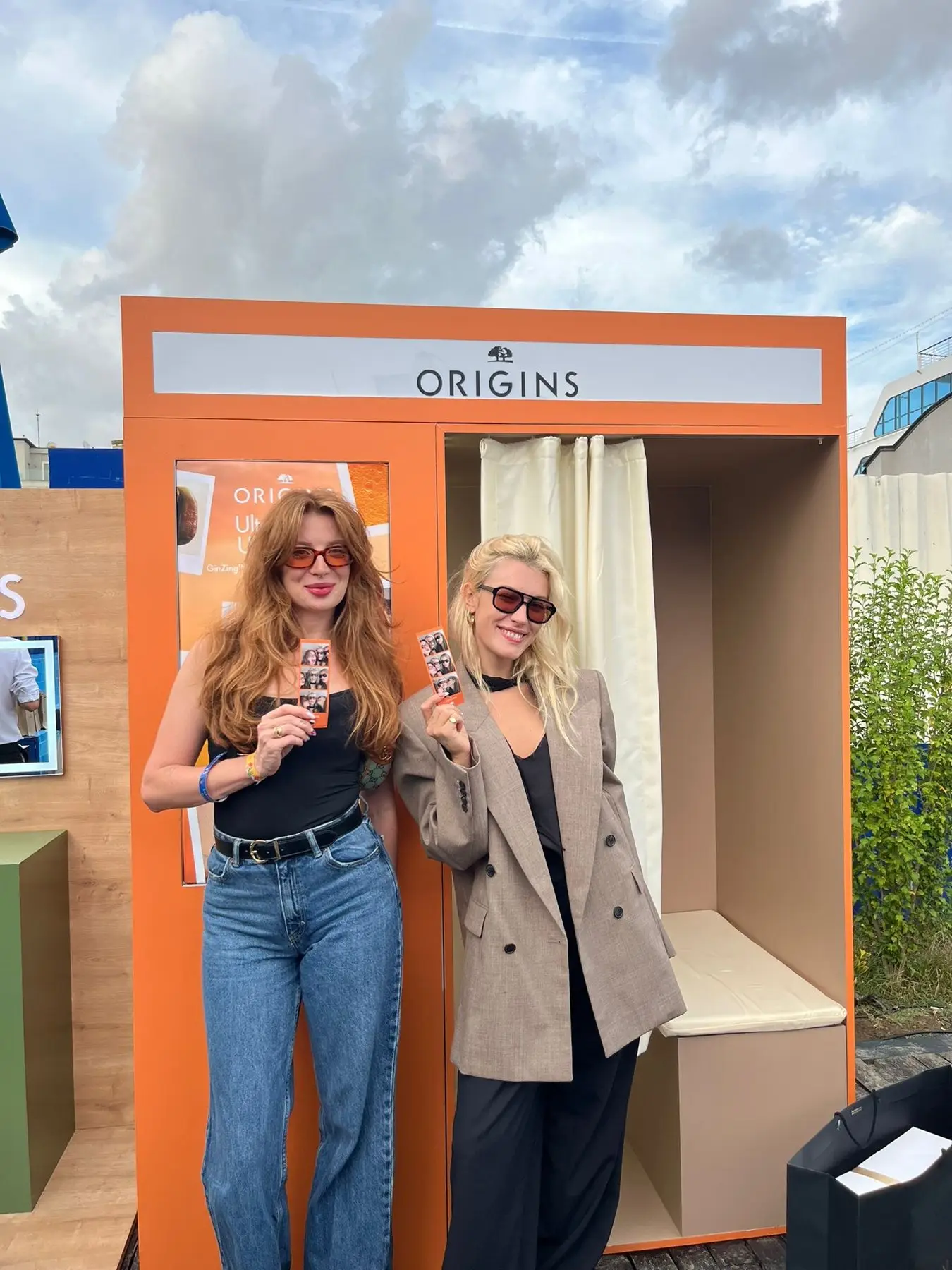
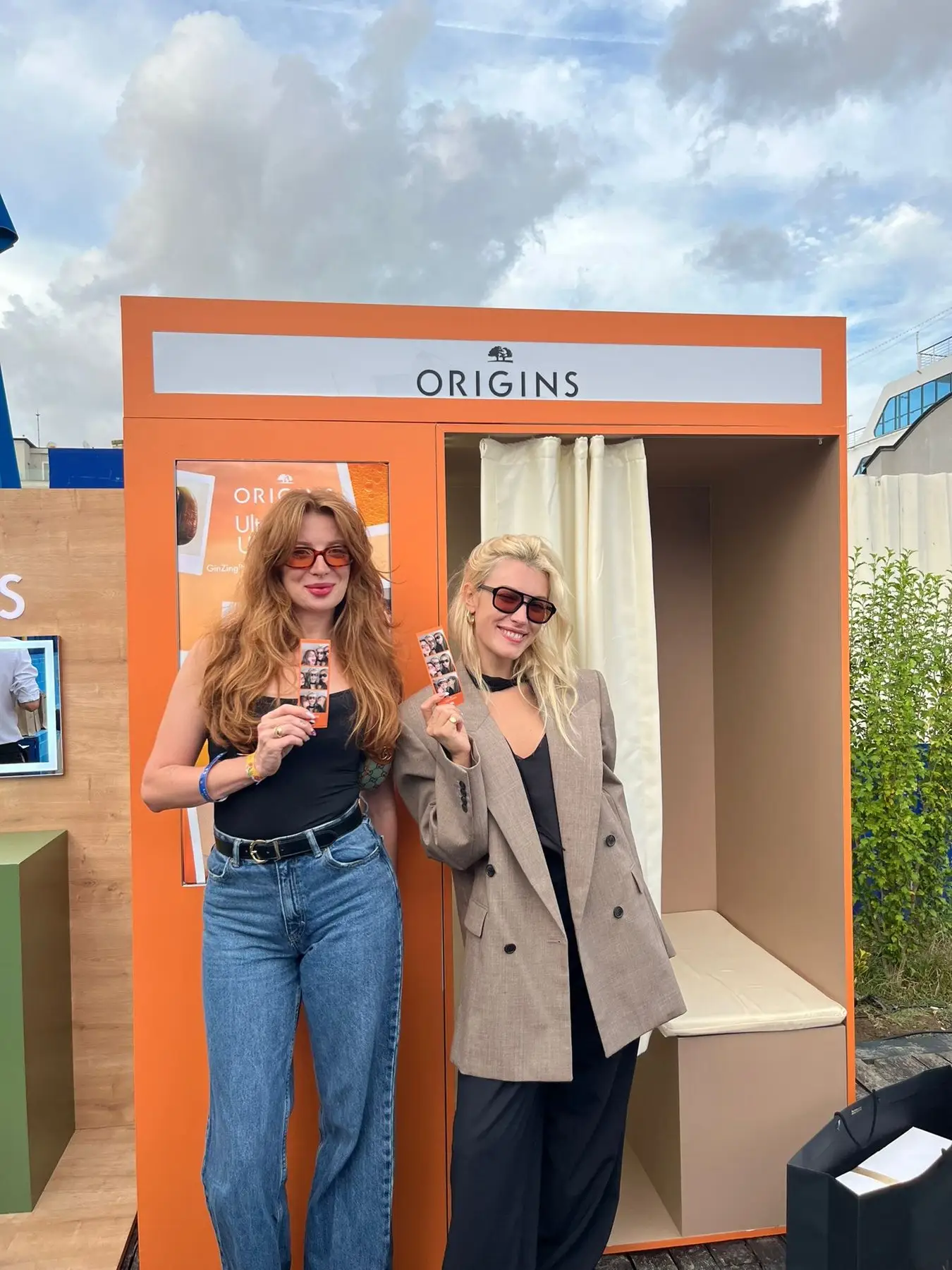
Photobooth · From a MetasoftCo event · Origins
The full list of experiences. All of them in the free demo.
-
Wordportre
The guest's portrait drawn from words you choose, on a transparent background.
-
AI Photo
Guests become the characters you set for the event — up to 50 per event, one or two faces.
-
AI Greenbox
No green screen needed: the guest is cut out and placed in your scene.
-
AI Effect
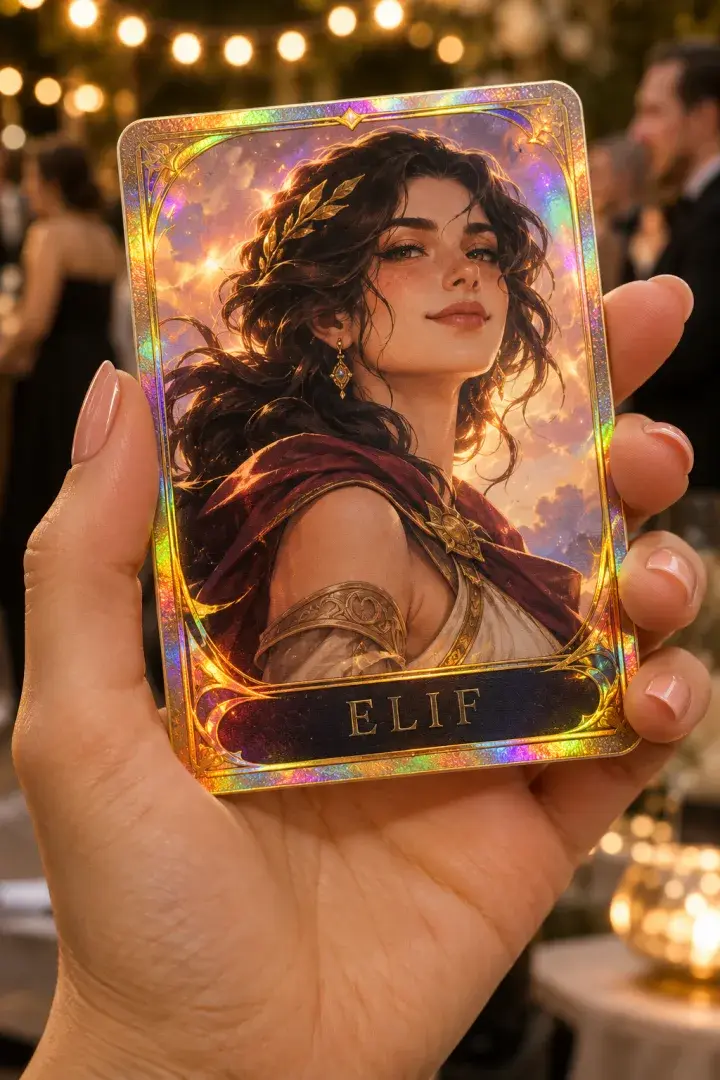
The guest's photo in a ready-made or custom AI look, printed as is or on a card you design.
-
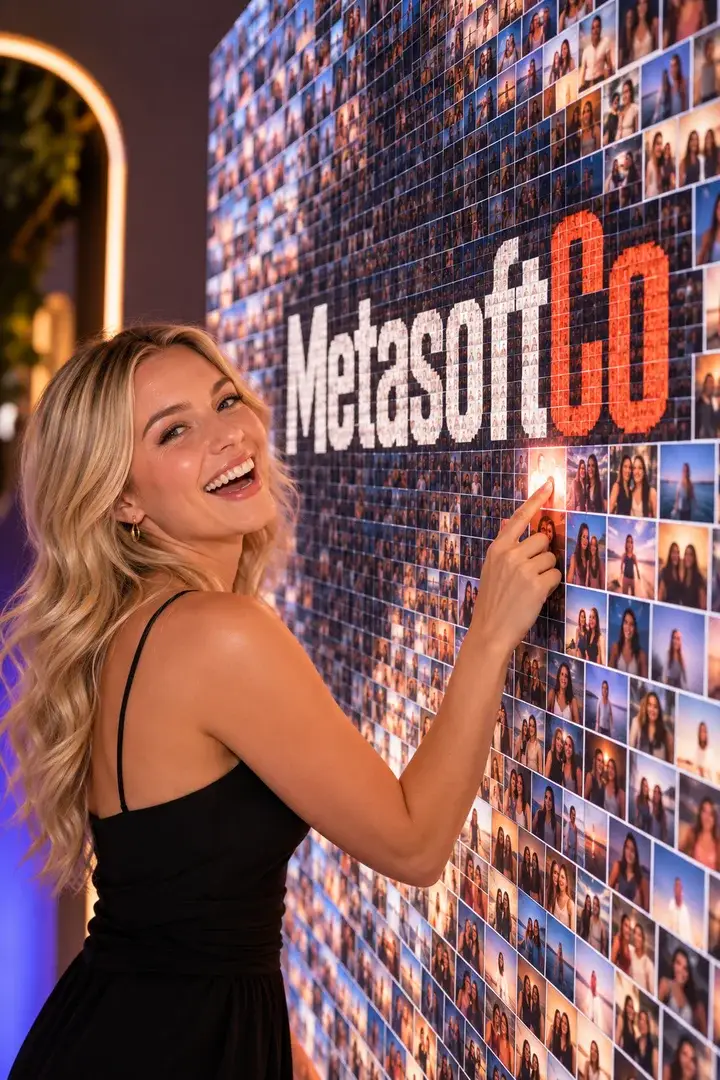
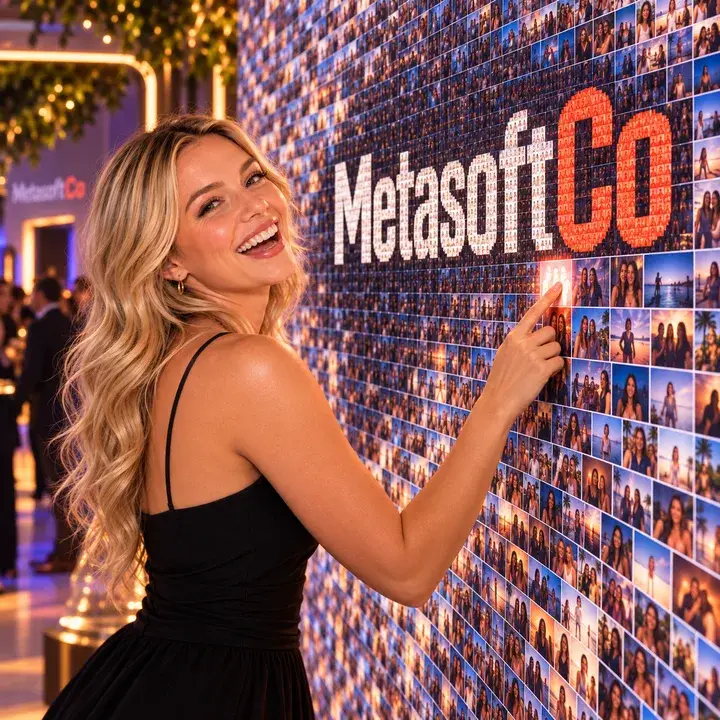
Mosaic Photo Wall
Every guest gets a numbered tile; together they build your brand image.
-
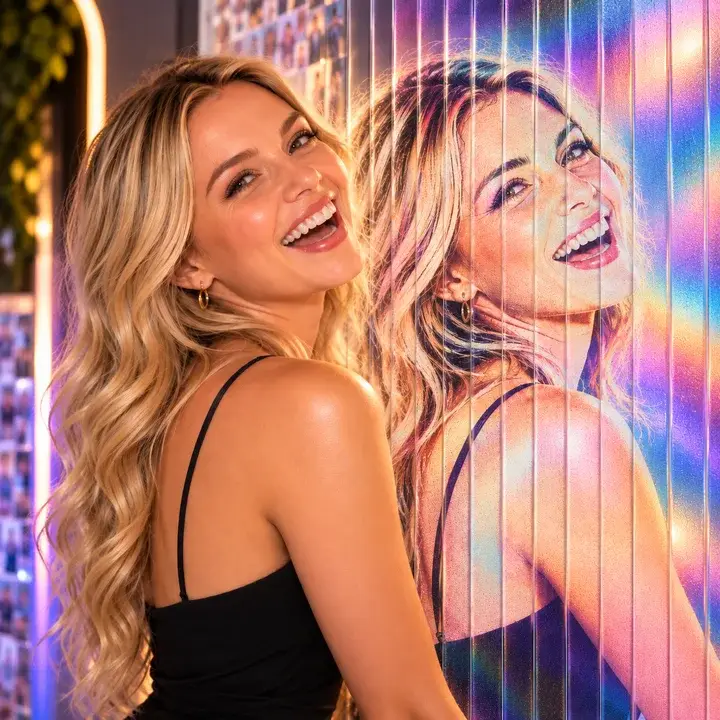
Lenticular Flip
Sequential shots interlaced into one print that moves under a lens.
-
GIF / Boomerang
A burst of frames becomes a looping GIF on the guest's phone.
-
Video Boomerang
A short clip that slows down and speeds up where you choose, then plays forwards and back.
-
Video Booth
Fixed-length video recording, started at the kiosk or from a paired phone.

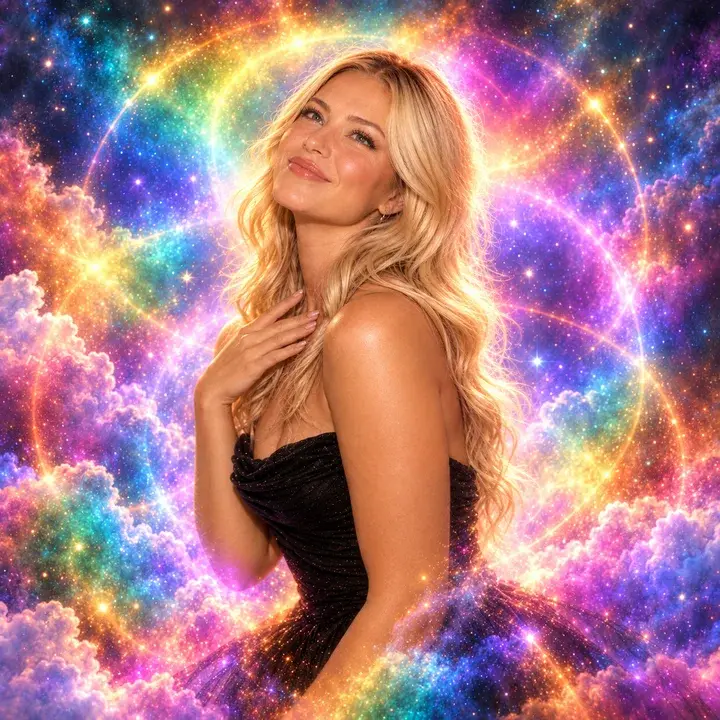


No special booth needed. Start with the devices you have.
Phones and tablets run it in portrait.
-
iPad and iPhone
iOS app
-
Android tablet and phone
Android app
-
PC and Mac
In the browser, with a webcam
-
Printer
Through the print agent on Windows
Build it, publish it. Run it on site.
-
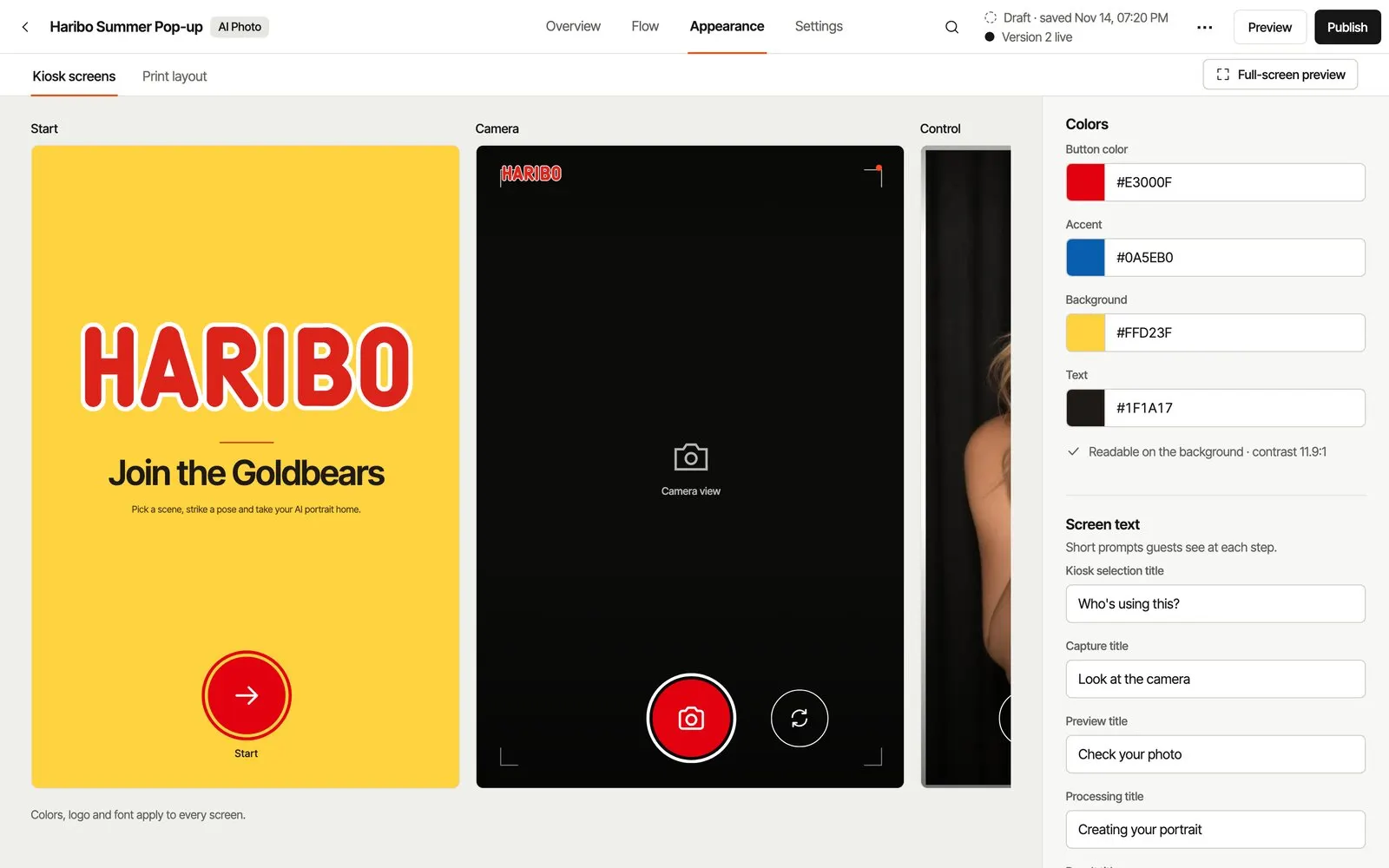
Build in Studio
Pick the experience and set the frame, colors and screen texts to the brand.
Choose an experience -
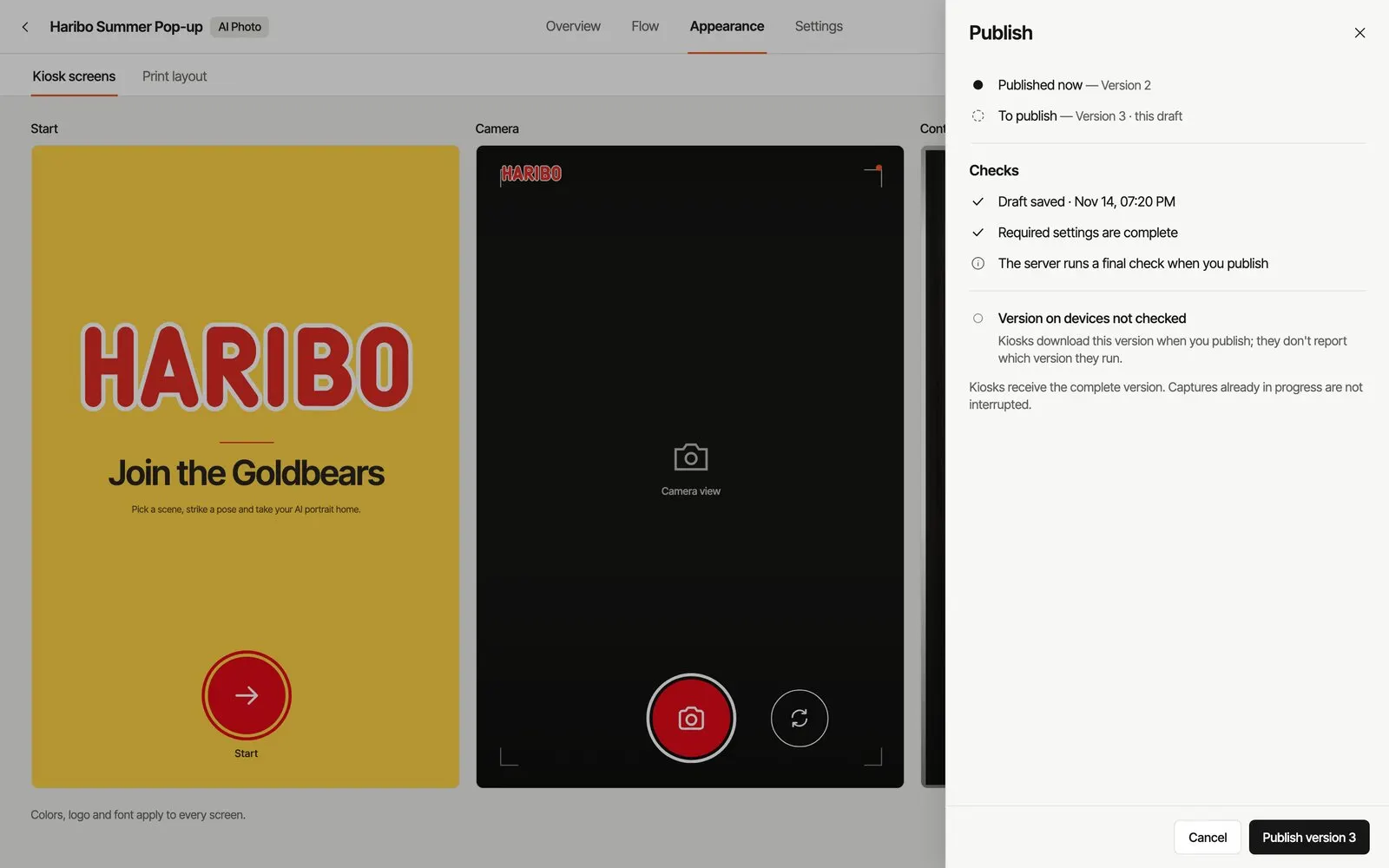
Publish
Publish when it's ready; a half-finished change never lands on a live kiosk.
See every feature -
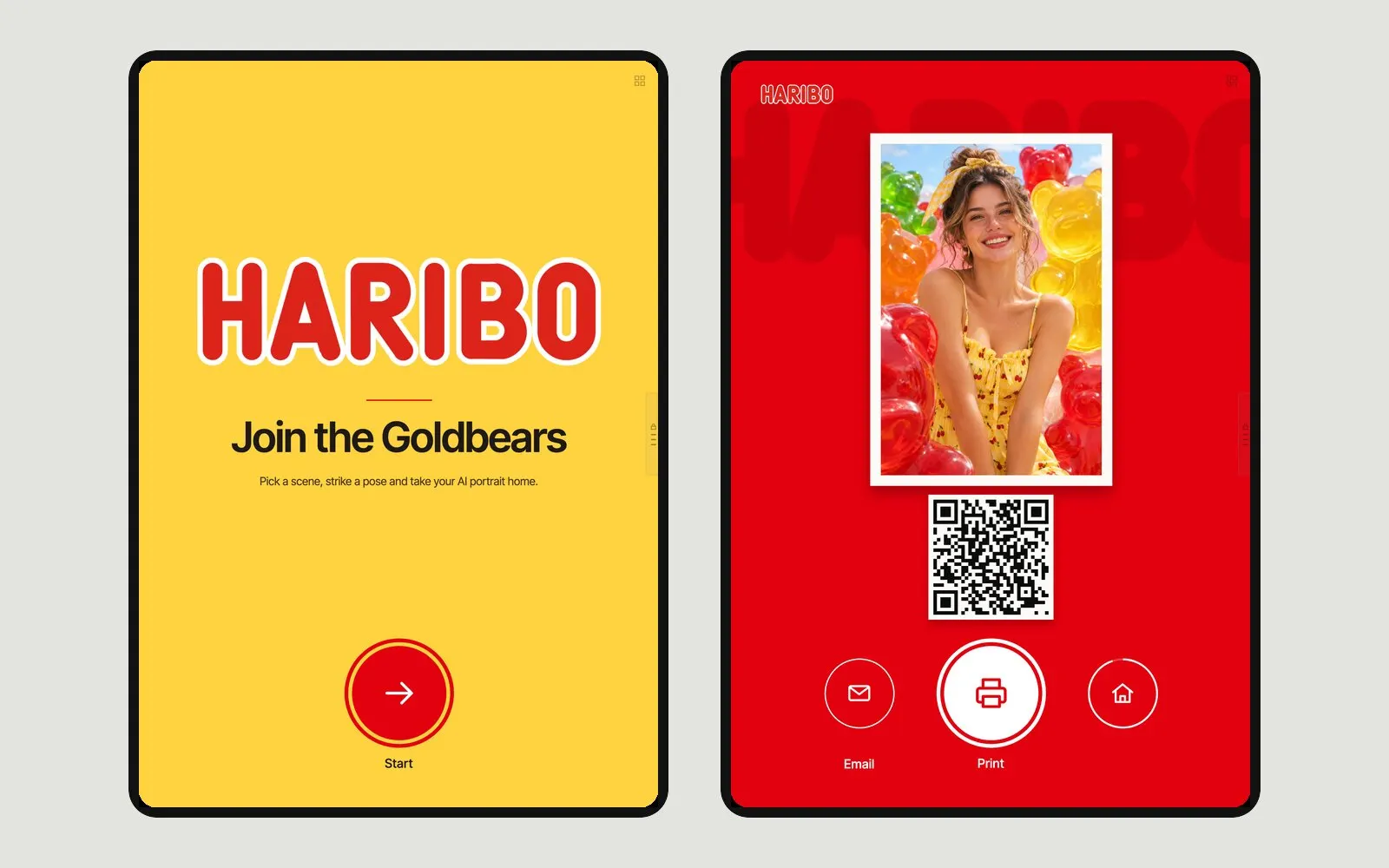
Run it on site
Open the kiosk on the device; start captures from a second phone if you like.
How remote control works
Built by an event agency. On site since 2020.
Eventwink is made by MetasoftCo, the Istanbul agency that runs these activations with its own software and crew.
Devices, printing, guest data. Frequently asked questions.
What is Eventwink?
Eventwink is software that event and experience agencies use to build, publish and run photo booth, AI photo, GIF and video experiences as kiosks on site. It is developed by MetasoftCo in Istanbul.
What hardware do I need?
An iPad, iPhone or Android tablet/phone is enough; the app runs in portrait. It also runs in a browser on a PC or Mac with a webcam. Printing needs a Windows PC with a printer.
What happens if the internet drops?
In the iOS and Android apps, captures queue on the device and survive an app restart; they are processed when the connection returns. Until then the guest waits for the result, QR or email. With SMS verification on, the flow cannot continue offline. The browser version has no offline queue.
How does printing work and which printers can I use?
Install the Eventwink print agent on a Windows PC and pair it with a code; it prints to the printers set up in Windows. The kiosk and the printer do not need to share a network. The print canvas is 4×6 in (10×15 cm) at 300 dpi.
What is in the free demo?
Eligible verified accounts receive 10 demo credits and 1 production station. Demo outputs have a watermark. Sign up with email, Google or Apple; no card is required. Credits may be queued when daily capacity is reached.
Can I use my own brand and domain?
Yes. Frames, colors, background images and screen texts are set per event, and guests never see the Eventwink logo. You can serve the guest page on your own domain.
How are guest data and consent handled?
The guest form is optional: you can ask for name, email and phone, and verify Turkish mobile numbers by SMS. Add up to five consent checkboxes, each linked to its own text. The agency running the event decides which data to collect and which notice to show.
How many devices can I use at once?
Up to twelve named stations per event. Concurrent production is limited across the agency workspace for all jobs, AI or not: demo 1, Event Pass 1, Studio 2, Agency 5.
Try it at your next event. The demo is free, no card required.
Not sure which experience fits? Email us