AI photo booth software Credits only for successful results
Face swap, AI scenes without a green screen, AI Effect looks and sketch to image, run as a kiosk on iPad, Android or a computer.
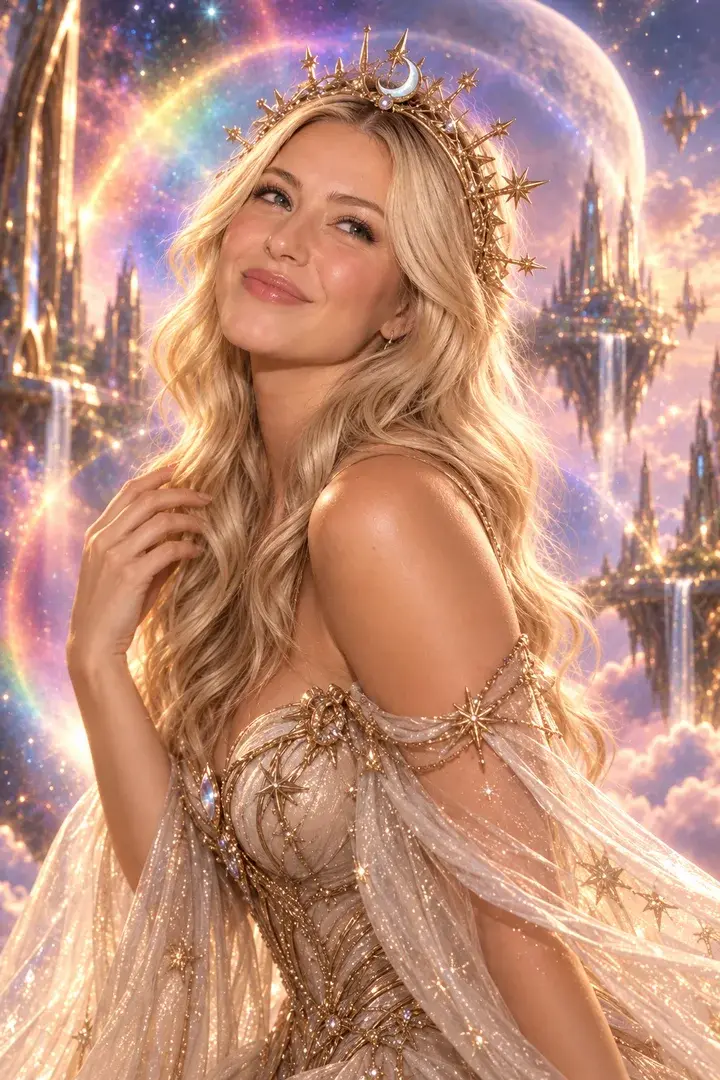

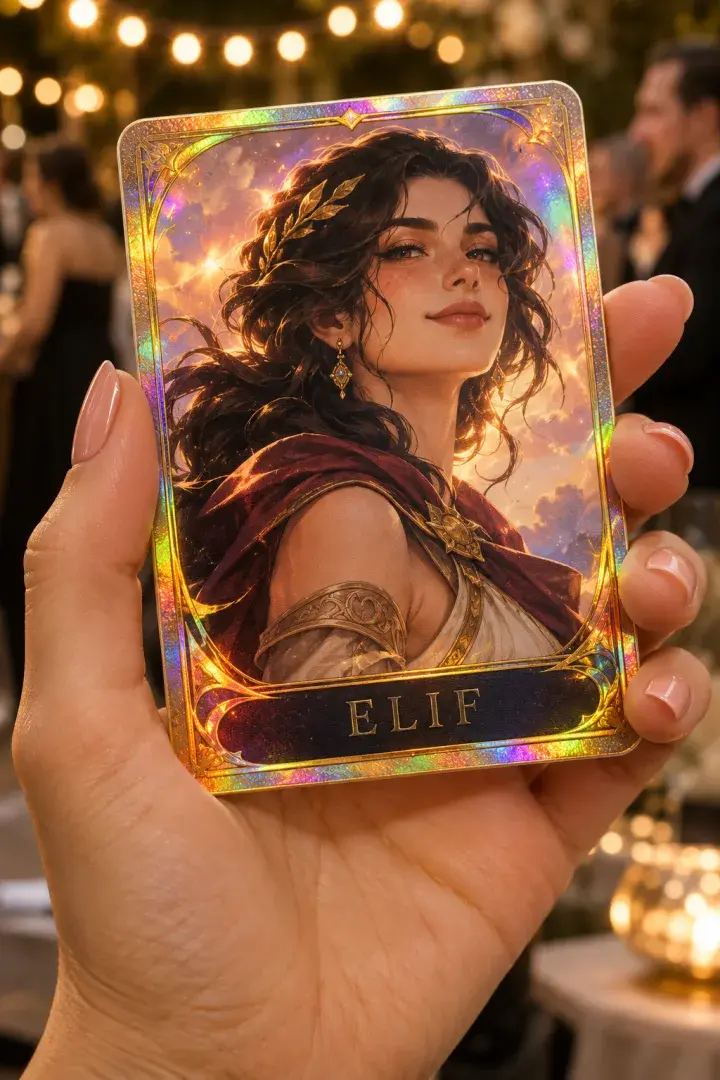
AI experiences
-
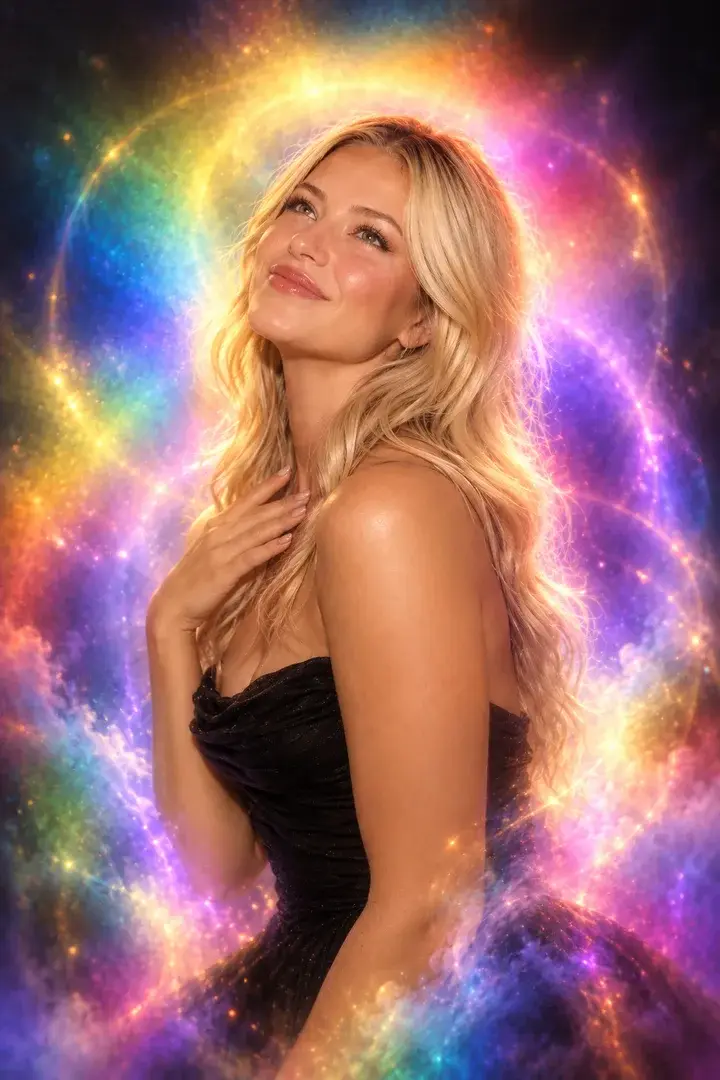
Aura Photo
Color-field aura portraits with the look of analog film.
-
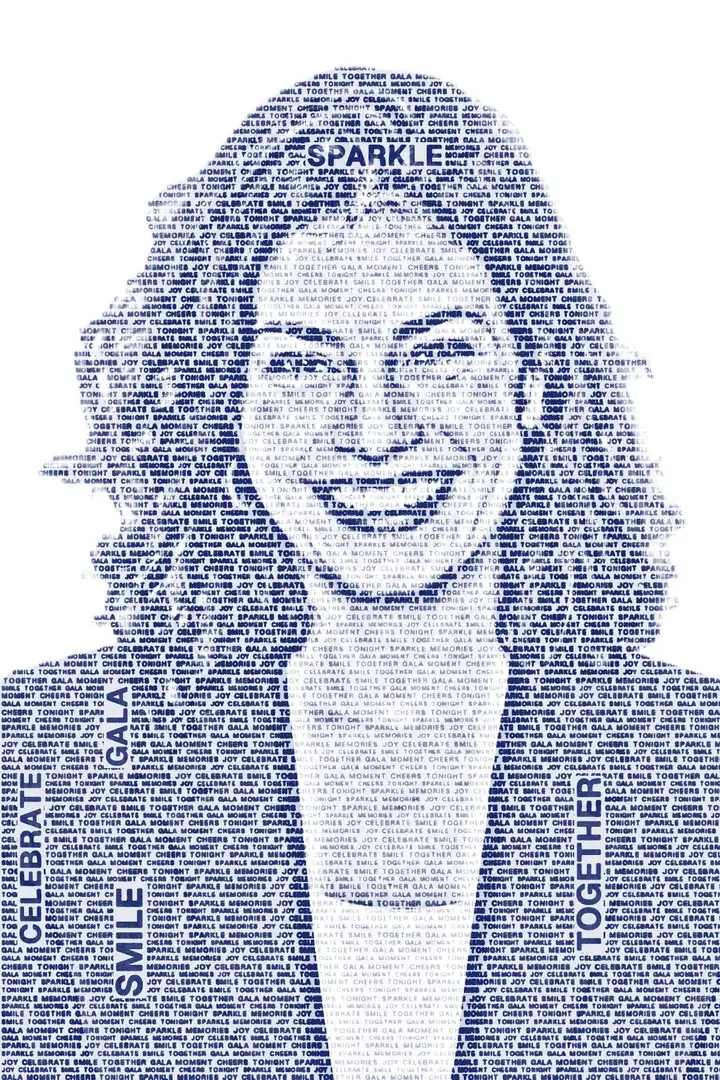
Wordportre
The guest's portrait drawn from words you choose, on a transparent background.
-
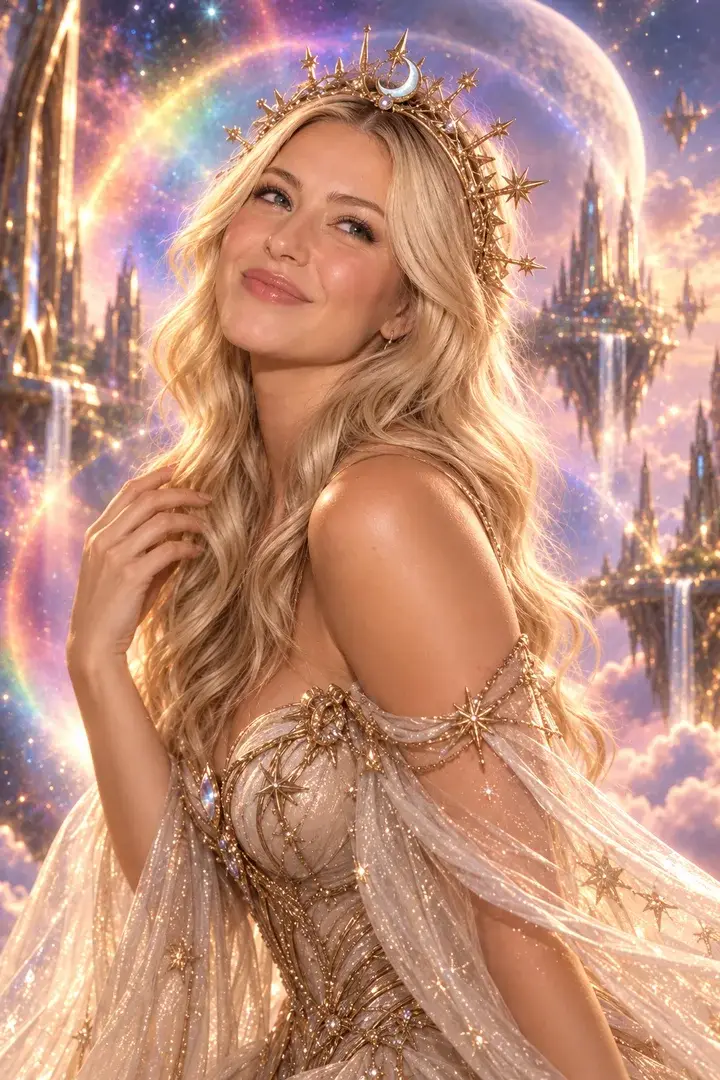
AI Photo
Guests become the characters you set for the event — up to 50 per event, one or two faces.
-

AI Greenbox
No green screen needed: the guest is cut out and placed in your scene.
-
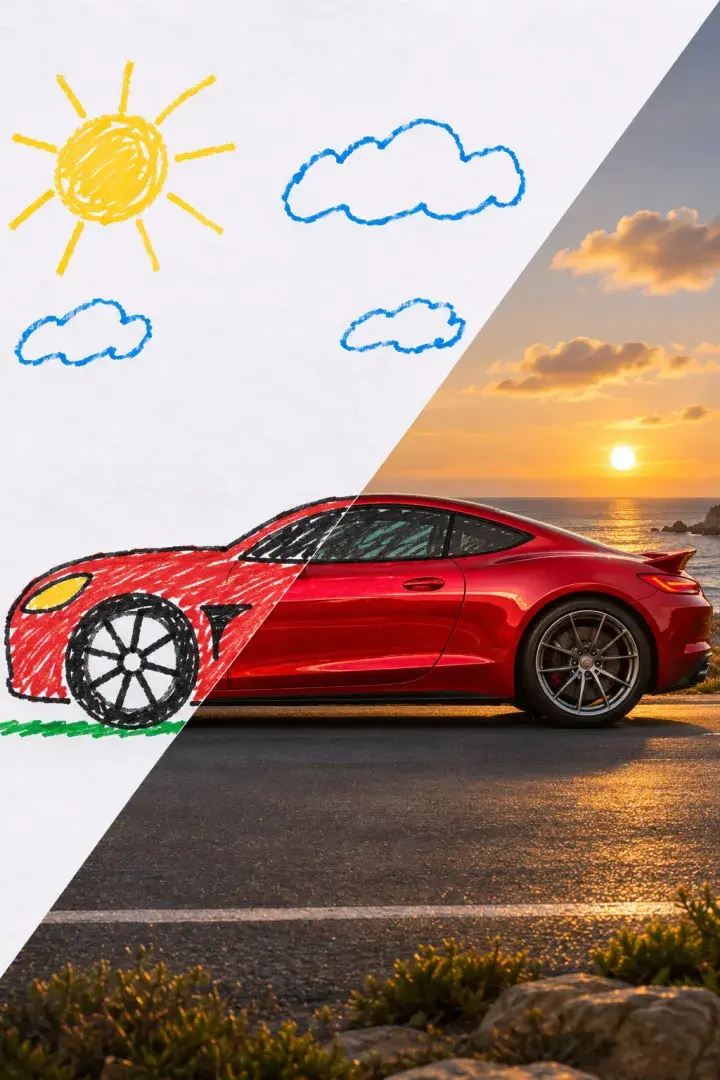
AI Sketch to Image
A guest's quick sketch becomes a detailed image.
-
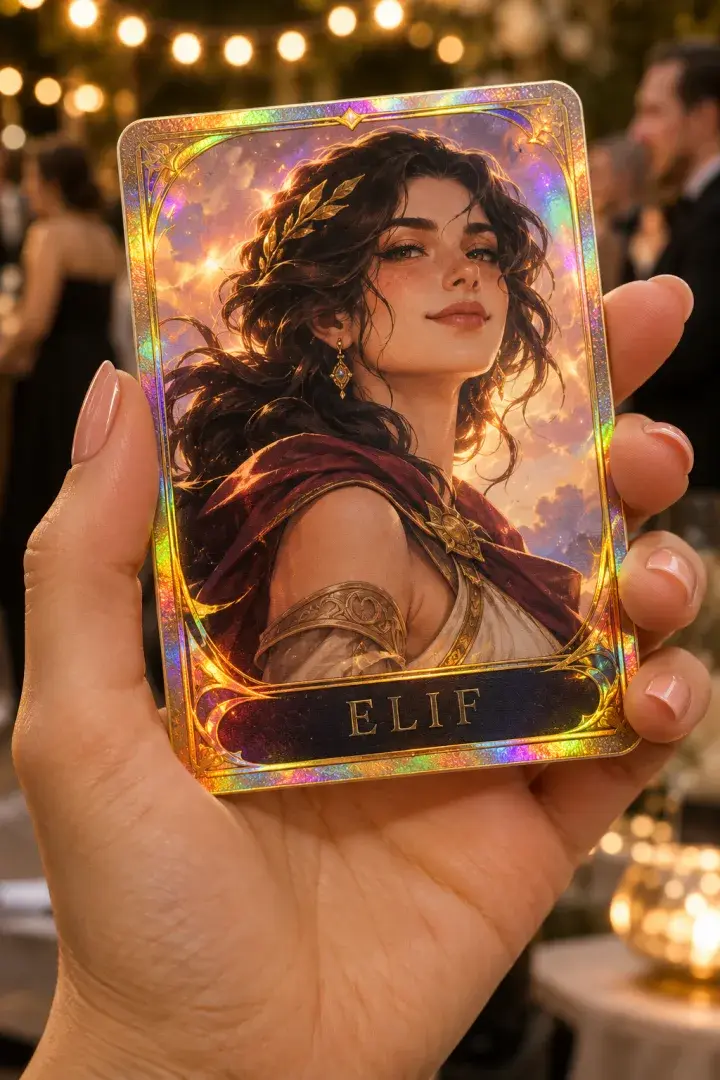
AI Effect
The guest's photo in a ready-made or custom AI look, printed as is or on a card you design.
How AI credits work Failed jobs use no credits
Credits per successful result: 1 for AI Photo, AI Greenbox, Aura Photo and Wordportre, 20 for AI Effect, 5 for AI Sketch to Image and 20 for every 5 seconds of AI video. A failed job uses none.
- Photobooth, GIF, video, mosaic and lenticular experiences use no credits.
- Sharing, email and reprints use no credits.
- Everyone in the agency workspace shares one balance.
- Studio and Agency credits carry over from month to month.
AI credits by plan
- Free demo
- 10 demo credits, outputs watermarked
- Event Pass
- 100 credits, one-time, 72 hours
- Studio
- 500 credits every month
- Agency
- 2,000 credits every month
- Credit packs
- 250 for $5.99 up to 20,000 for $299.99
Packs never expire and are offered to accounts with an active Studio, Agency or Event Pass. Full pricing
AI photo booth or classic photo booth? Both come with every plan
Each event runs one experience, so choose per event.
| AI photo booth | Classic photo booth | |
|---|---|---|
| What the guest gets | A new image made from their photo or drawing: a character, a scene, a card, an aura or a word portrait | Their photo on your 4×6 layout, a GIF, a video, a mosaic tile or a lenticular print |
| Cost per guest | Credits per successful AI result | No credits |
| What you prepare | Character images, scenes, a card design or a style prompt, plus your frame | Your frame or print layout and screen texts |
| Background | AI Greenbox replaces it with your scene; no green screen needed | What the camera sees, so the backdrop is set on site |
| Print and sharing | 4×6 in print at 300 dpi, QR guest page, download, email | The same |
Choose AI when
- The concept is a character, a world or a card: a film launch, a team kit, a city scene.
- The stand has no room for a green screen but needs a branded background.
- You want a printed AI card or portrait.
Choose classic when
- Guests want themselves as they are: a framed photo, a GIF or a video message.
- You'd rather not budget credits per guest.
- The output is a mosaic wall or a lenticular print.
AI photo booth questions
Do I need special hardware for an AI photo booth?
No. AI experiences run on the same devices as the rest: iPad, iPhone, Android tablets and phones, or a browser on a PC or Mac with a webcam. AI Sketch to Image uses the screen instead of the camera: guests draw on it.
Do I need a green screen for AI backgrounds?
No. AI Greenbox separates the guest from the background with a background-removal model. A plain, well-lit background helps it separate the guest cleanly.
Can we use our own characters and styles?
Yes. Upload up to 50 character images per event for AI Photo, up to 30 scenes for AI Greenbox, write your own looks for AI Effect, or write the base prompt for AI Sketch to Image.
What happens when an AI result fails?
No credit is used. A failed job's credit returns to the balance automatically.
Does the AI work without internet?
AI results need a connection. In the iOS and Android apps the kiosk keeps capturing when the connection drops; captures wait on the device and are processed when it returns. The browser version has no offline queue.
Can I try it before paying?
Yes. Eligible verified accounts get 10 demo AI credits with no card. Demo outputs carry a watermark.