AI Effect The guest's photo in a ready-made or custom AI look
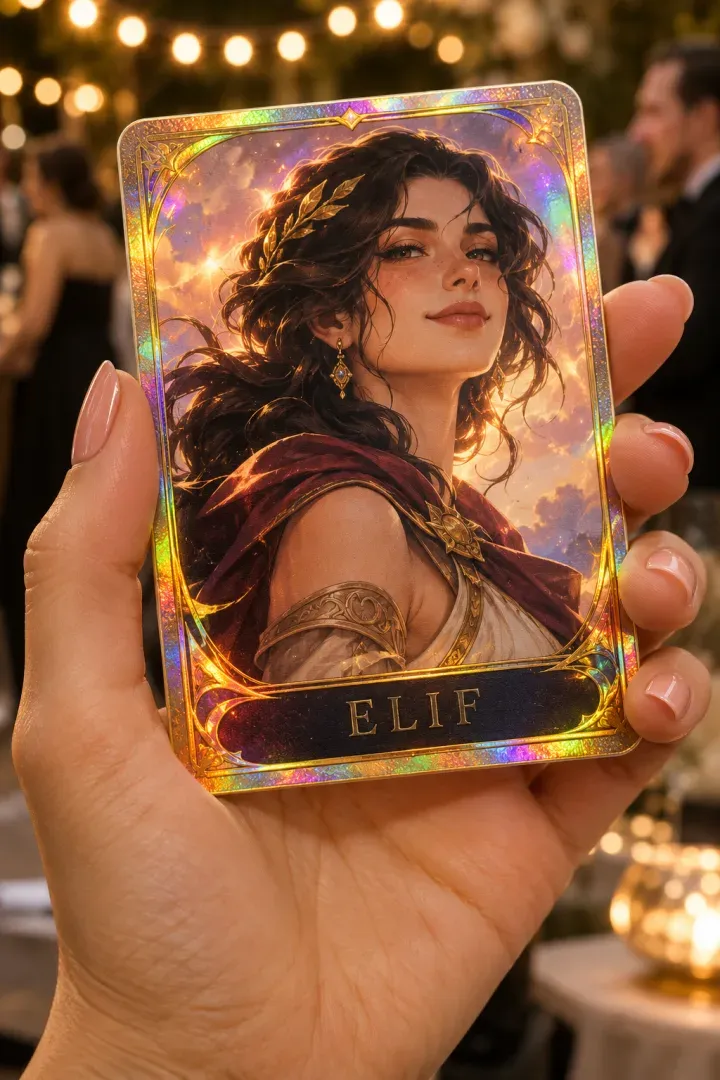
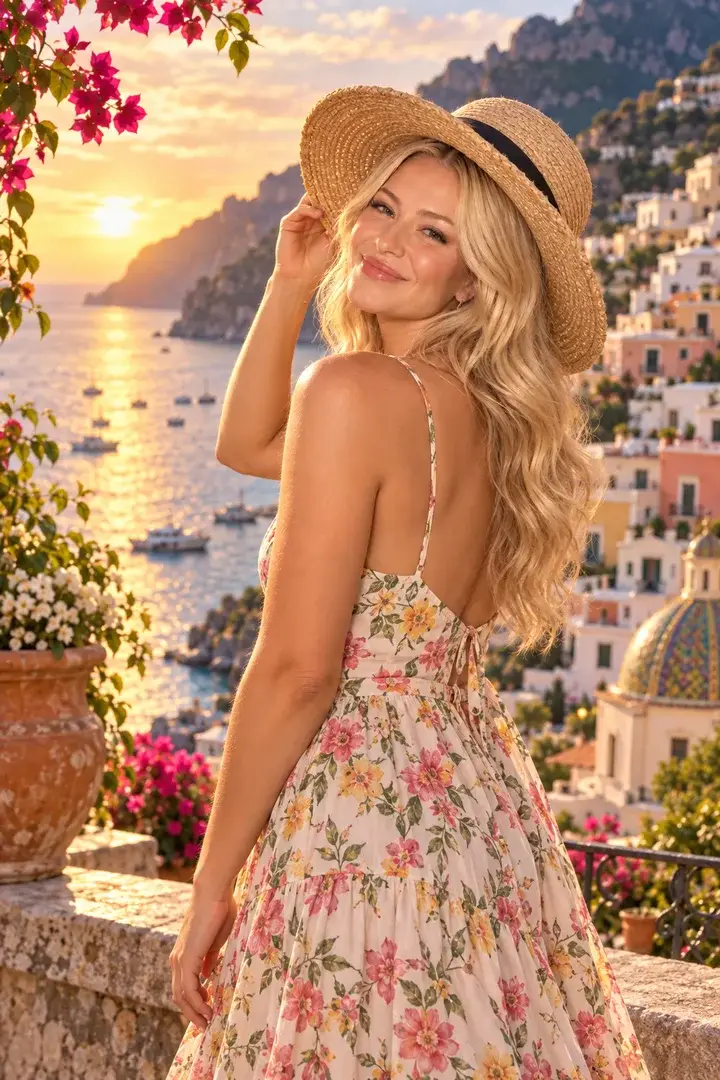
Choose from 50 ready-made looks, from studio portrait and film noir to Viking and watercolor, or write your own. The result prints as a full-page photo or on a card you design in Studio with text, icons, logos and the guest's name.
How does the guest use it?
- 1
Optional guest form (name)
- 2
Capture
- 3
The guest picks a look or character when there is more than one
- 4
AI look made and placed on your design
- 5
Result on screen, QR and print
What can you set in Studio?
- Looks
- 50 ready-made looks in four groups (portrait, art, themes, seasonal) or your own instruction; up to 12 per event
- Characters
- Or put the guest's face on a character: your own images or 50 ready-made ones, up to 30 per event
- Background
- Keep the AI background, or cut the guest out so your design shows through
- Design
- The AI look as a full page, or a card with text, images, icons and shapes (up to 40 layers); the guest's name filled in automatically
- Fonts
- 8 built-in fonts or your own TTF/OTF file
What does the guest get?
- Output
- PNG, 1200×1800
- Sharing
- Guest page by QR, download, WhatsApp/Facebook/X link, email with the image attached
- 4×6 in (10×15 cm), 300 dpi
Shared settings, where supported
- Camera-based experiences
- Front/back camera, rotation, mirroring, 1–4× zoom; USB (UVC) camera on iPad
- Flow
- Optional guest form; camera-based experiences also support a 0–10 s countdown and retakes
- Brand
- Frame, colors, screen background and screen texts
- Kiosk
- Exit locked by an operator PIN, screen stays awake
Questions about AI Effect
Does the result have to be a card?
No. Print the AI look as a plain photo, or design a card around it in Studio. The preview is what prints.
Can we write our own look?
Yes. Add your own instruction next to the ready-made looks, with up to 4 style reference images.
Can we use our brand font?
Yes. Upload the TTF or OTF file to the event and pick it on any text layer.
More from this family
-
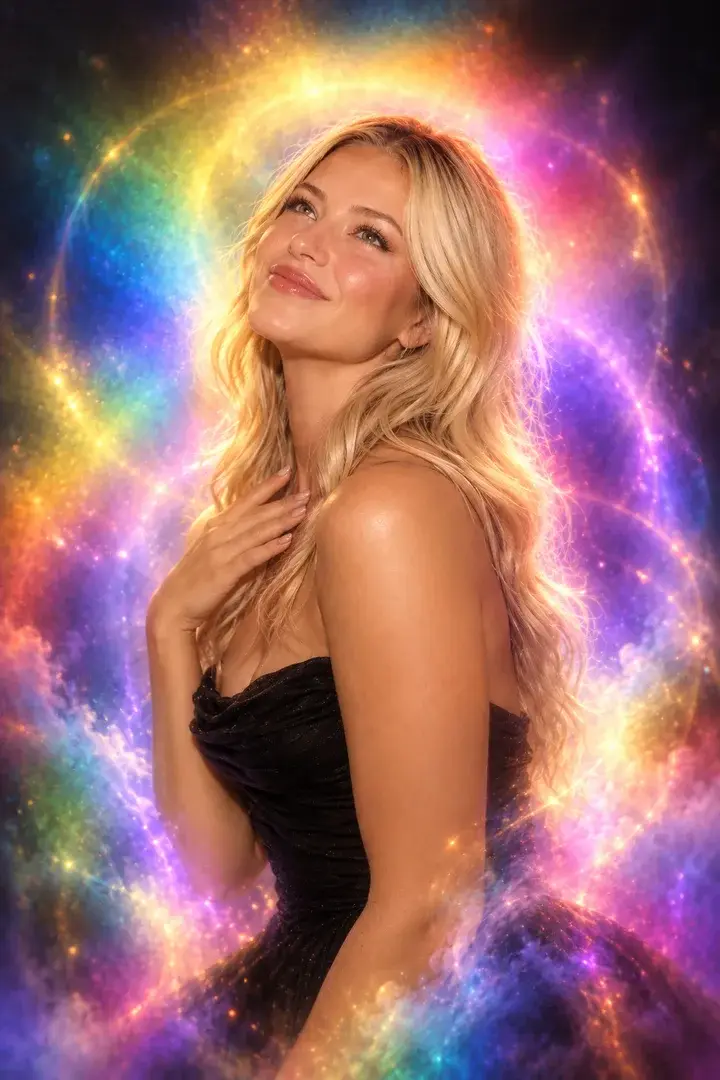
Aura Photo
Color-field aura portraits with the look of analog film.
-
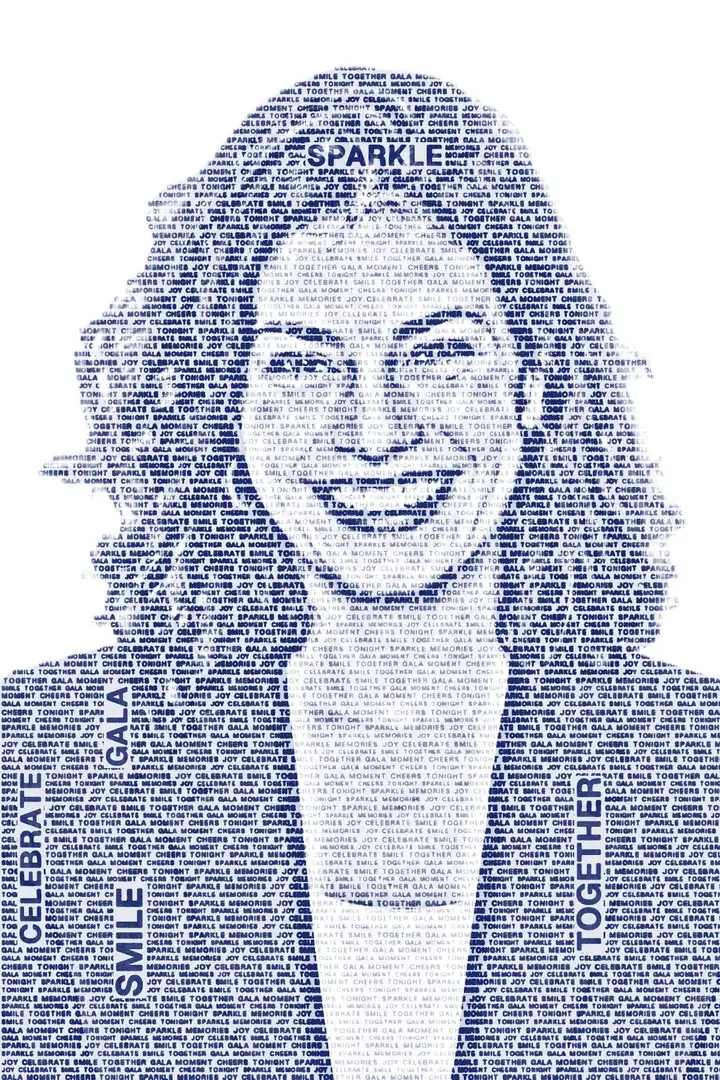
Wordportre
The guest's portrait drawn from words you choose, on a transparent background.
-
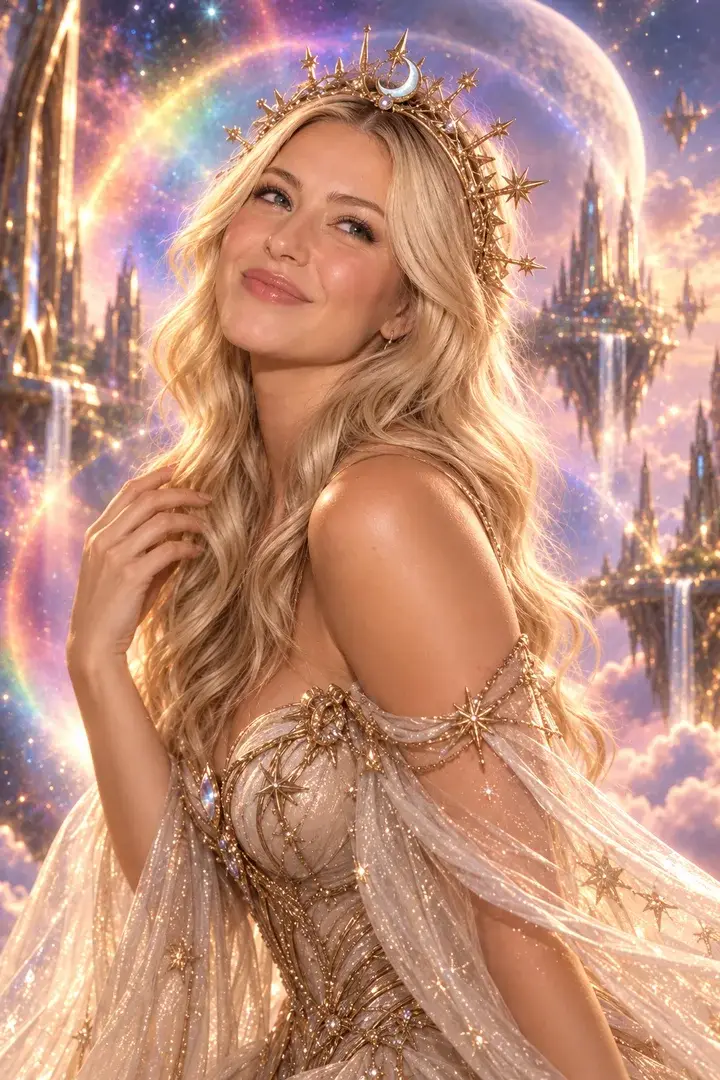
AI Photo
Guests become the characters you set for the event — up to 50 per event, one or two faces.
-
AI Greenbox
No green screen needed: the guest is cut out and placed in your scene.